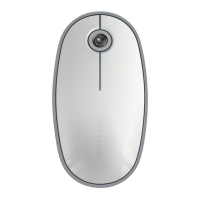
Targus Bluetooth Comfort Laser Mouse
172
Targus Bluetooth Comfort Laser Mouse
173
Configuration initiale
Avant de pouvoir utiliser votre souris Bluetooth®, vous devez procéder à
quelques opérations préalables.
REMARQUE : UTILISEZ LA DERNIÈRE VERSION DU PILOTE DE VOTRE PÉRIPHÉRIQUE BLUETOOTH. LES
INSTRUCTIONS AFFICHÉES À L’ÉCRAN DÉPENDENT DE LA VERSION DE CE PILOTE.
fi
Connexion à un logiciel Bluetooth:
WIDCOMM ou Microsoft (Windows XP & Windows Vista)
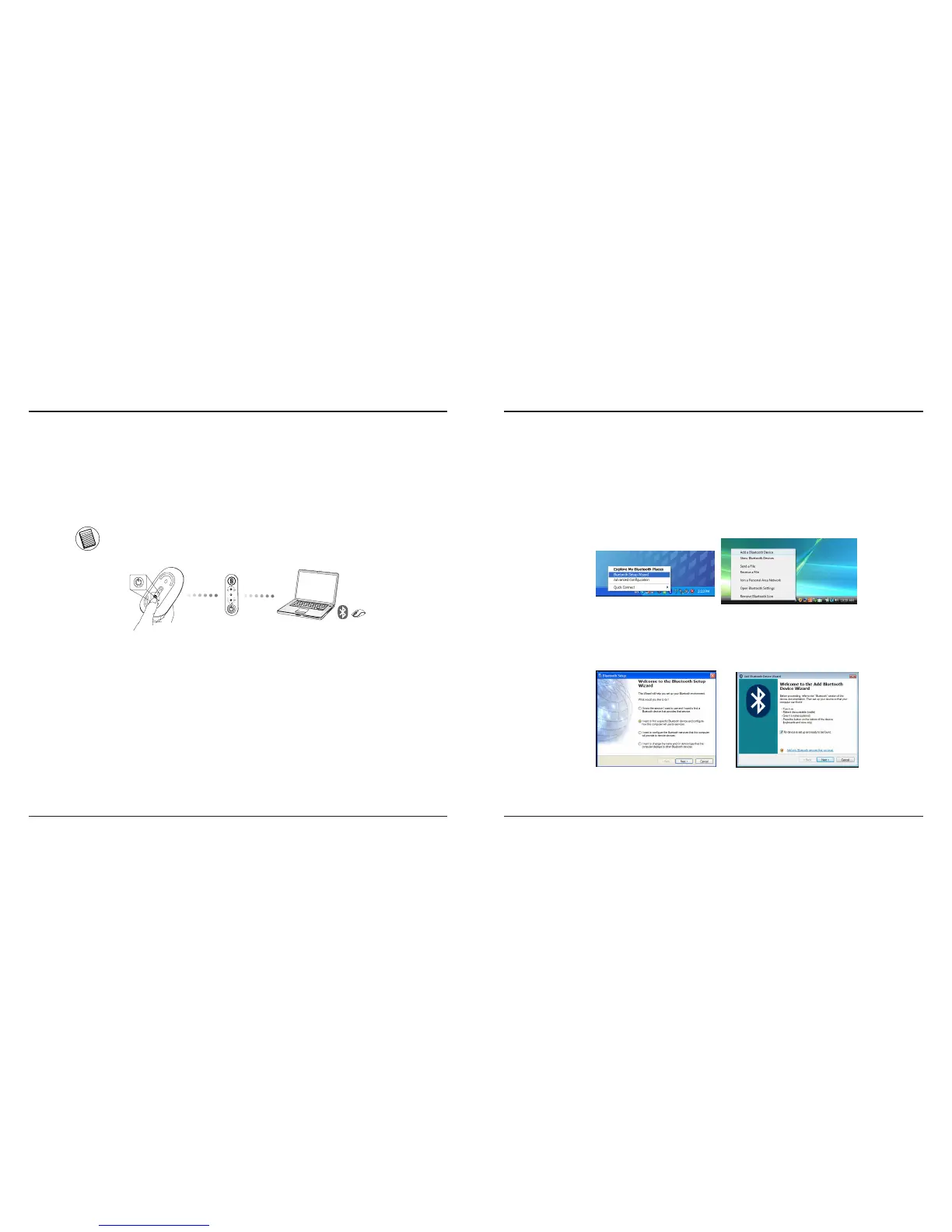
1. Amenez le curseur sur l’icône Bluetooth, soit sur le Bureau soit dans la barre
d’état système, cliquez deux fois sur cette icône et cliquez sur l’option Ajouter un
périphérique Bluetooth.
(Windows XP)
(Windows Vista)
2. La fenêtre d’accueil de l’assistant Bluetooth apparaît. Conformezvous aux
instructions affi chées à l’écran.
(Windows Vista)
(Windows XP)



 To Next Page