Targus Power Inverter Auto/Air 100W
2
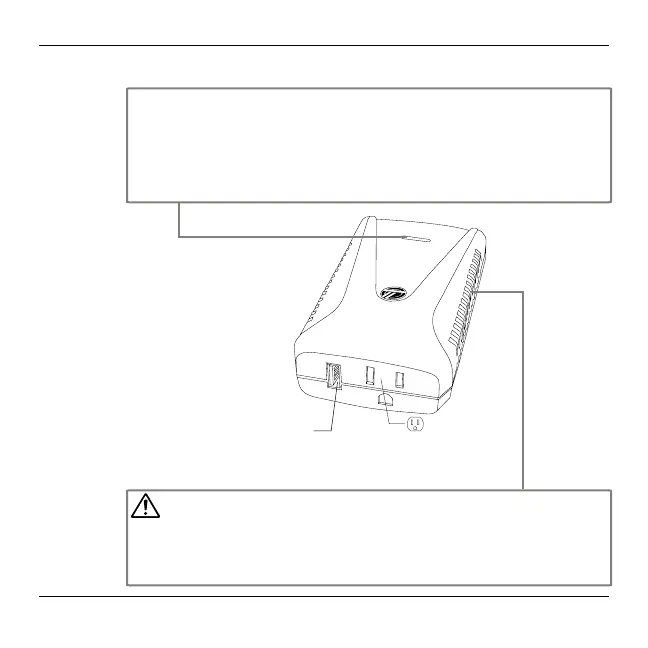
Power / Fault Indicator
This light will ash (blue color) if the inverter encounters problems.
LED is ON – Normal operation.
LED is ashing – Low voltage warning signal indicates the supply voltage is low.
LED is OFF – Unit is off and no power is being output. Either the inverter is not plugged
into a powered socket or it has gone into protection mode due to overheating, overvoltage,
overloading or short circuit.
Ventilation openings
WARNING
• Do not block or cover any louvered vents . Place the inverter on a at surface with good ventila-
tion between 0-35
o
C and ideally 15-25
o
C.
• Do not place the inverter on or near a heating vent or any piece of heat generating equipment.
Keep inverter away from direct sunlight, if at all possible.
• Do not allow water or other liquids to come into contact with the inverter.
USB Output
(DC power only)
AC output



 To Next Page