Targus Presentation Remote
5
Synchronizing Your Remote
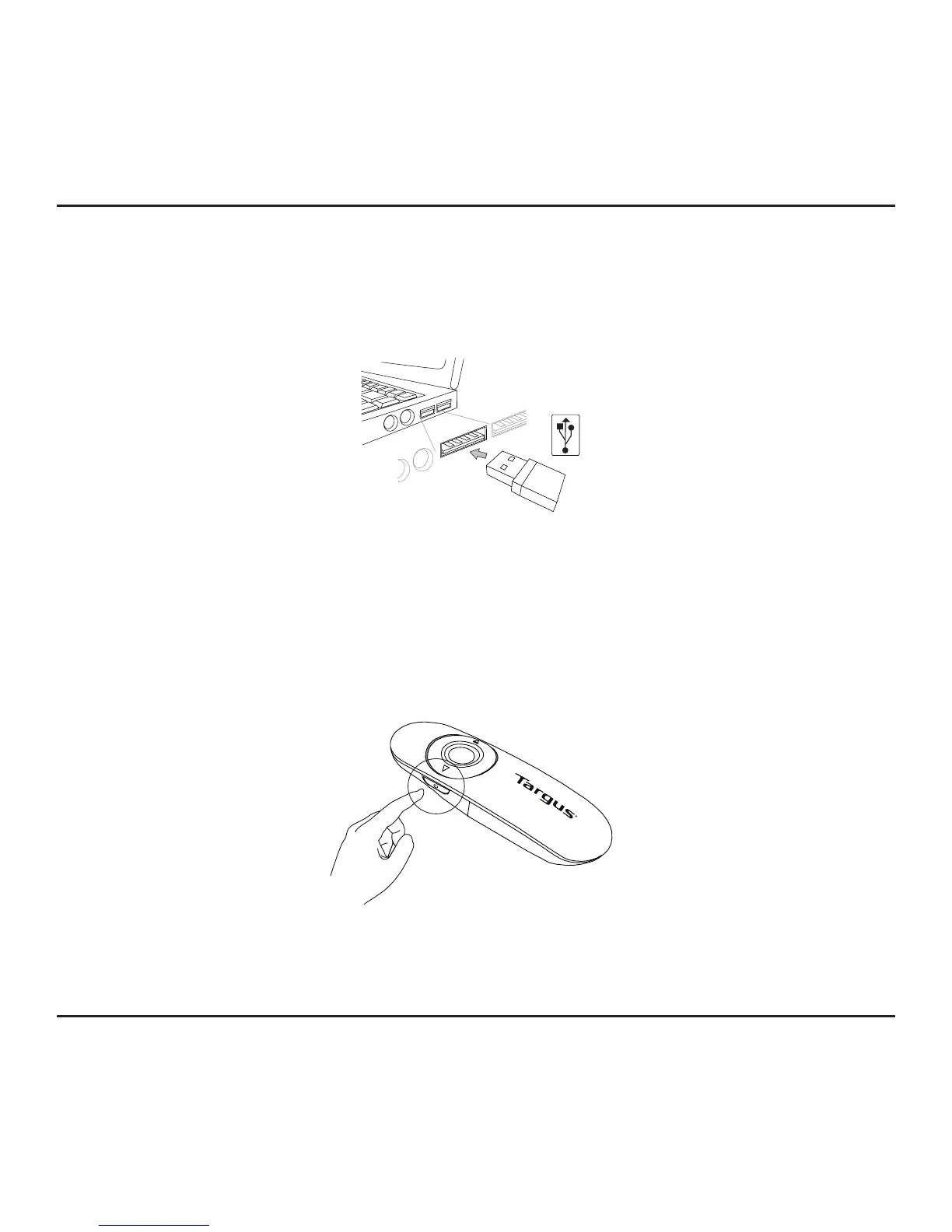
This remote is a plug-n-play device. It will automatically operate when the
USB receiver is connected to the computer. Plug the mini USB receiver
into any available USB port on your computer.
Turn on the remote by pressing and holding the on/off power button for 3 seconds.



 To Next Page