Targus High Speed File Share Cable
7
Exiting EasySuite
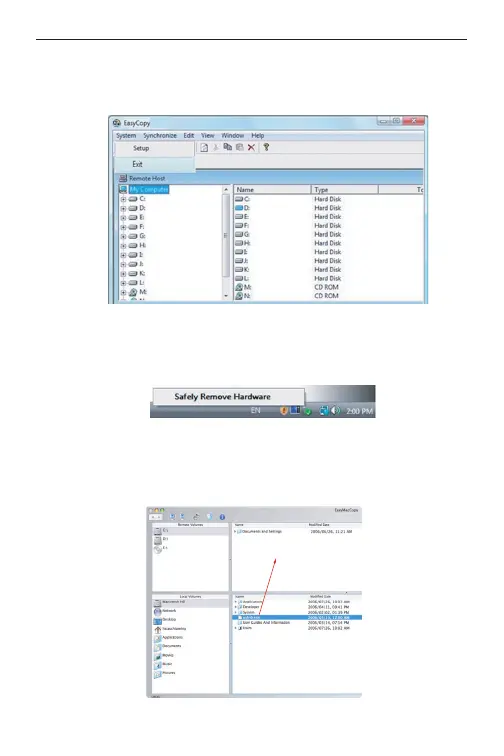
1) Exit the EasySuite application in both of the computers.
EasyMacCopy
Select the file/folder and drag it & drop into the destination folder/
drive.
2) Using the “Safely Remove Hardware” to stop the device, after
the transfer cable is stopped safely, you then can unplug the trans-
fer cable.



 To Next Page