11
OPERATING INSTRUCTIONS
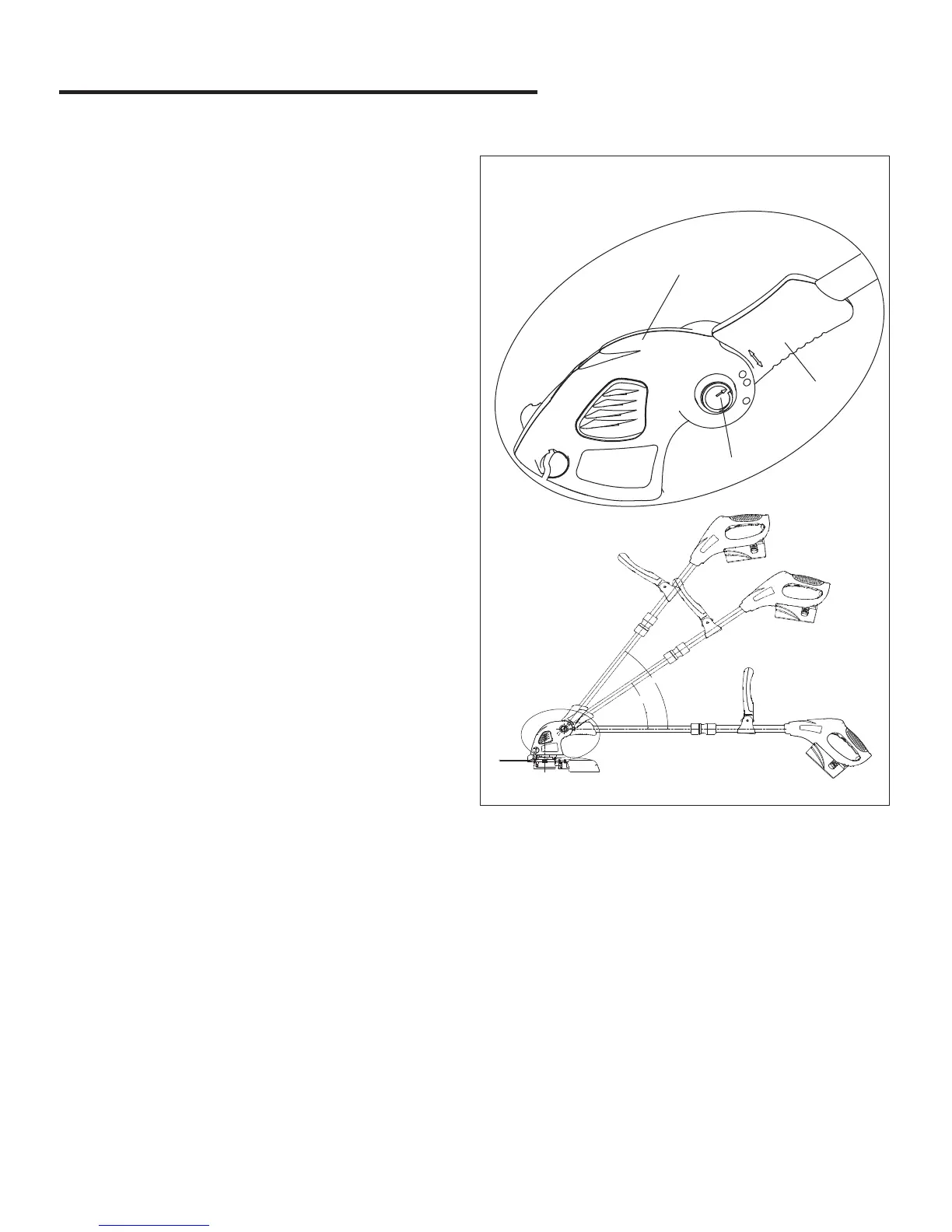
Fig. 7
1
2
3
6
3
。
4
5
。
Adjust the Angle (Fig. 7)
This trimmer is equipped with an angle adjustment feature..
1. Using your left hand, grip the nose (1) of the trimmer and
use your thumb to depress the turn button (2). Using your
right hand, turn the head to either of the 3 available
positions.
2. Now LOCK by releasing the turn button (1).


 To Next Page