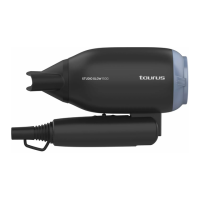
- Connect the appliance to the mains.
- Guide the appliance to direct the ow of air in the desired direction.
- Guide the diffuser of the appliance to direct the ow of air in the
desired direction.
- Turn the appliance on, by using one of the speed selection but-
tons.
- Select the desired temperature.
HOW TO DRY THE HAIR:
- Move the appliance around in circles to distribute the air along the
hair.
ONCE YOU HAVE FINISHED USING THE APPLIANCE:
- Turn the appliance off using temperature and velocity selector
- Unplug the appliance from the mains.
- Clean the appliance.
ARTICULATED HANDLE:
- This appliance has an articulated handle which makes it more
versatile and easier to use.
ACCESSORIES:
AIR CONCENTRATOR ACCESSORY (B):
- This accessory is used to concentrate the air ow into one specic
area.
- Attach the unit to the product by pressing until you hear a click
(Fig.1).
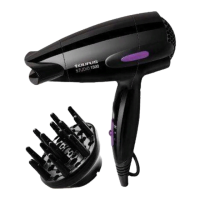
DIFFUSER ACCESSORY (C):
- This accessory is used to harmonize the air ow into one specic
area.
- Attach the unit to the product by pressing until you hear a click
CLEANING
- Disconnect the appliance from the mains and allow it to cool befo-
re undertaking any cleaning task.
- Clean the equipment with a damp cloth with a few drops of
washing-up liquid and then dry.
- Do not use solvents, or products with an acid or base pH such as
bleach, or abrasive products, for cleaning the appliance.
- Do not let water or any other liquid get into the air vents to avoid
damage to the inner parts of the appliance.
- Never submerge the appliance in water or any other liquid or place


 To Next Page