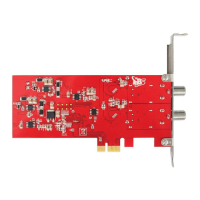
Connect Satellite Cable to LNB, installation DVBlast , run command “# su yum
install dvblast”or “# sudo apt-get install dvblast”, installation will have
difference with different Linux OS.
For more detailed installation steps, please check this link:
https://github.com/gfto/dvblast/blob/master/INSTALL
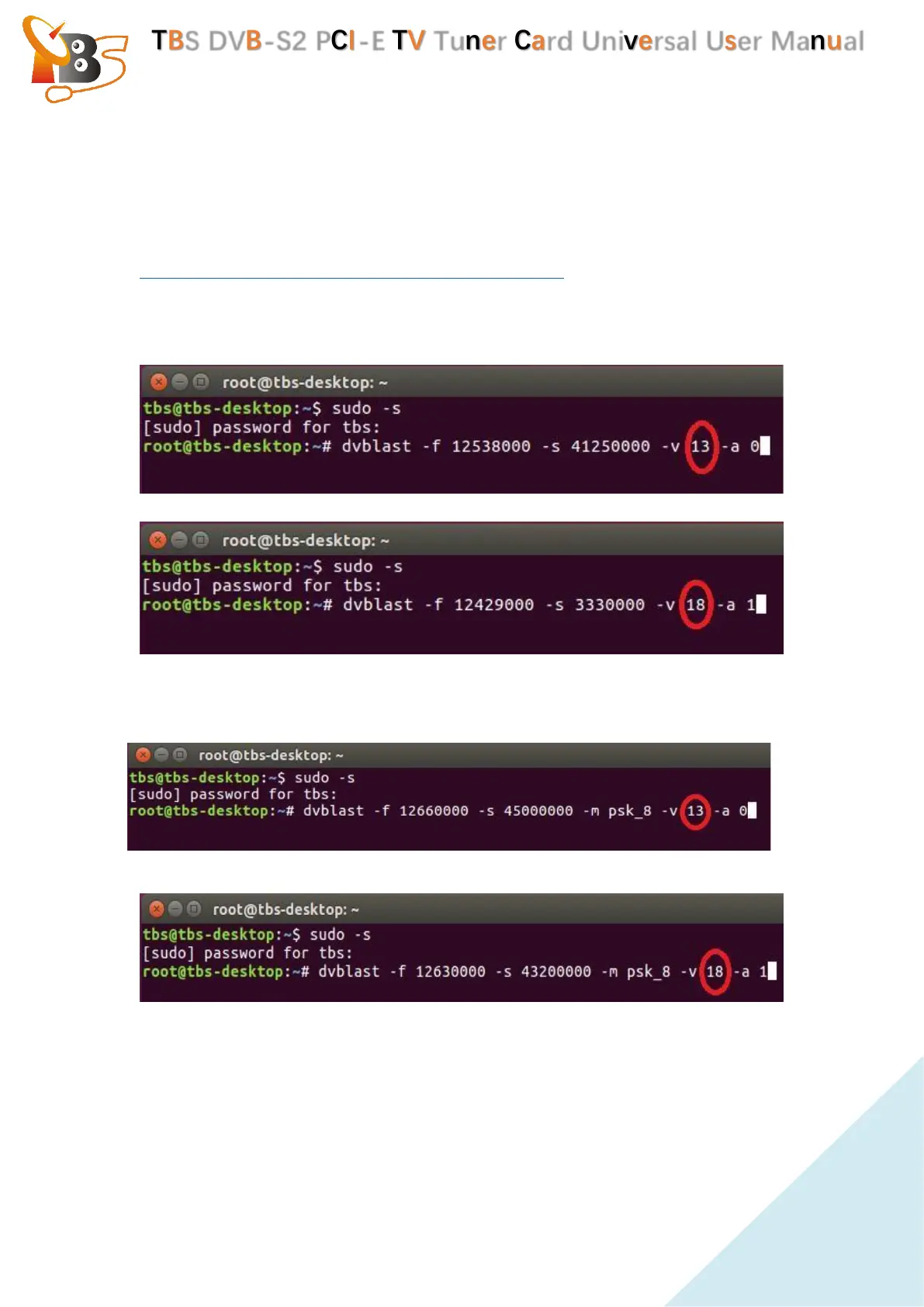
Lock TV Channels from DVB-S Signal. (See screenshot below.)
For example : (LNB 0) dvblast -f 12538000 -s 41250000 -v 13 -a 0 ( V Signal )
(LNB 1) dvblast -f 12429000 -s 3330000 -v 18 -a 1 (H Signal)
Lock TV Channels from DVB-S2 Signal. (See screenshot below.)
(LNB 0) # dvblast -f 12660000 -s 45000000 -v 13 -m psk_8 -a 0 (V Signal)
(LNB 1) # dvblast -f 12630000 -s 43200000 -v 18 -m psk_8 -a 1 (H Signal)
5.3.2. TVHeadend
Connect Satellite Cable to LNB , install Software and Run tvheadend-c (See
screenshot below.)


 To Next Page
 Loading...