2
Conectar y usar
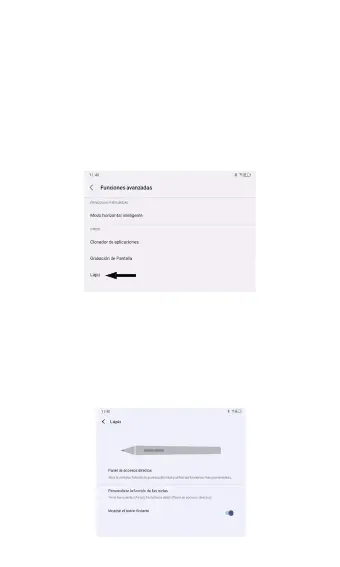
Para habilitar el T-Pen en su tableta TCL
compatible, ingrese a: Ajustes > Características
avanzadas > Lápiz
Desde el menú Lápiz, programe los atajos de
las teclas hacia arriba y hacia abajo y active un
atajo al menú Lápiz.
Atajos
Para utilizar los atajos con las teclas, presione
simultáneamente la punta del T-Pen contra la
pantalla de la tableta y mantenga pulsada la
tecla hacia arriba o hacia abajo.



 To Next Page