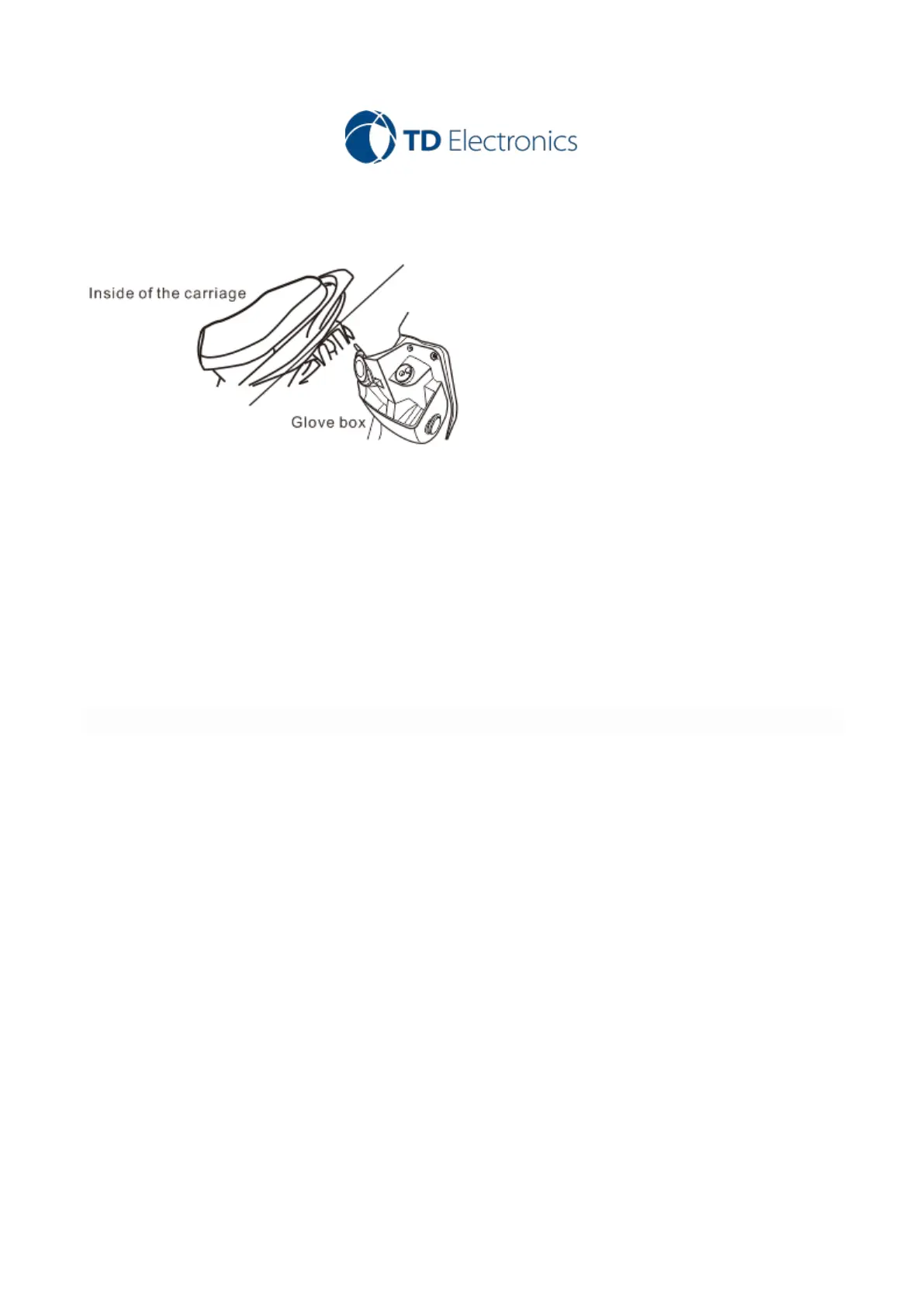
3. The power supply system of this product is designed for the DC12V ~ 24v. Connect the red power cord to
the red connector from DVR HOST. Please confirm that the positive and negative poles are connected correctly
(general body paint may have bad grounding). (The best ground connection position is the battery negative
electrode.)
Note: Try to avoid being connected to the same power line with other electronic products if possible, and avoid
the abnormal operation of the machine because of the power grabbing.
4. SOS Button connection
( A ) Short press button for photo taking
( B ) Long press button for video locking
5. Video menu settings
After booting, enter into the video mode and press menu key to enter into the menu setting.
( A ) Resolution:FHD P30+FHD P30; UHDP24; QHDP30; FHDP60; FHDP30; HDP120; HDP60; HDP30; WVGAP30;
VGAP240; VGAP30; QVGAP30
( B ) Loop recording: Off; 3 Minutes; 5 Minutes; 10 Minutes
( C ) Exposure:+2.0;+5/3;+4/3;+1.0;+2/3;+1/3;+0.0;-1/3;-2/3;-1.0;-4/3;-5/3; (recommend +0.0)
( D ) Motion Detection:Off;On (recommend off)
( E ) Record Audio:Off;On



 To Next Page