18
17
14. BATT
• Lights when the battery is nearly depleted.
15. EXT
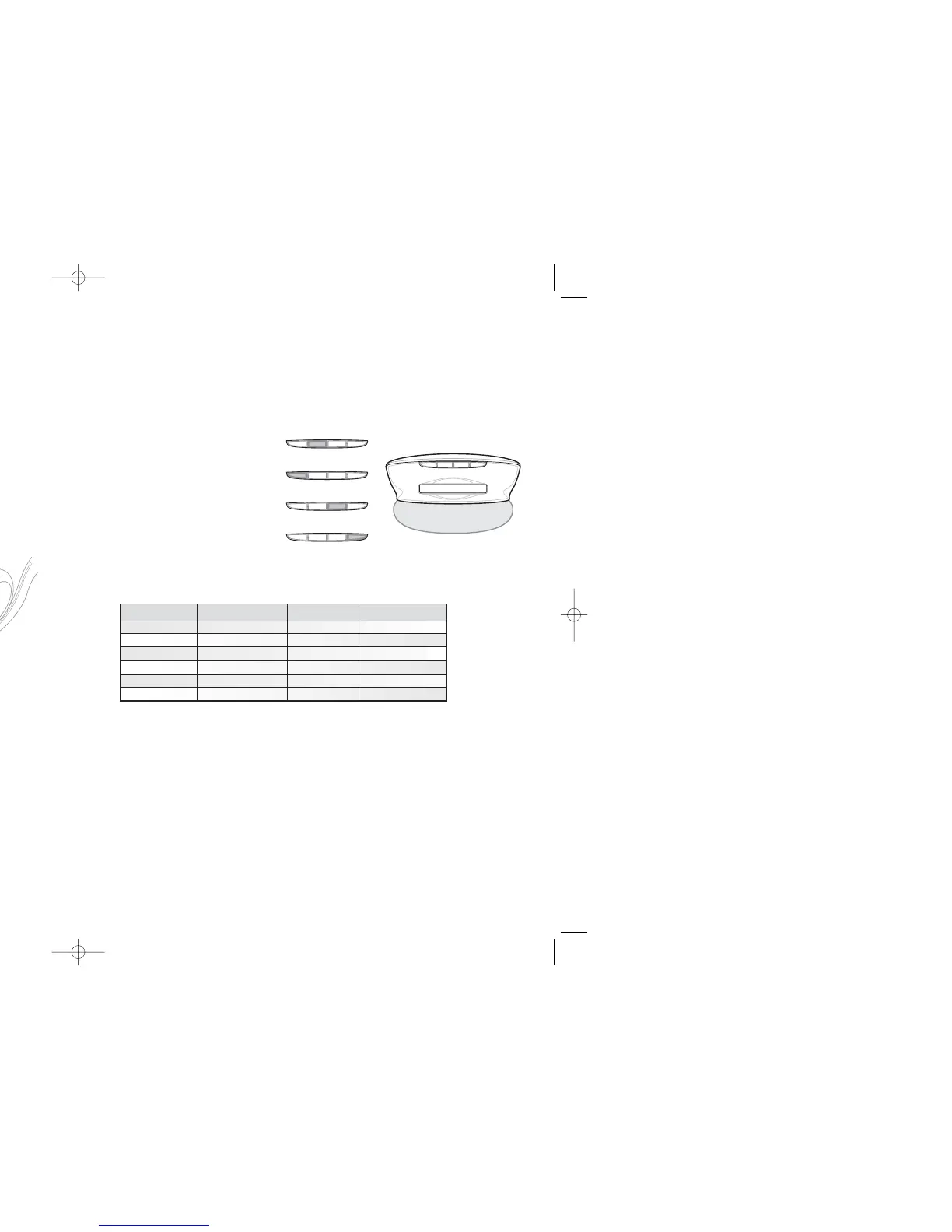
• (Has various states. See chart.)
16. FM
• (Has various states. See chart.)
17. INT
• (Has various states. See chart.)
ext batt FM int
ext batt FM int
ext batt FM int
ext batt FM int
PLAYER PORTS
11. USB
• Used for transferring tracks into MOJO 1 from a PC. Connect the small end of the included USB cable to MOJO 1.
Connect the other end to your PC’s USB port.
12. AUDIO OUT
• Used for connecting a second set of headphones to MOJO 1. Allows listening with a friend. Audio out port supplies
variable output level.
13. POWER
• Used for powering MOJO 1 from an outlet. Requires adapter (DC 4.5 volt, 300 mA, not included).
POWER
USB
ext batt FM int
† Turns off after 2 minutes
Player modes EXTernal memory active FM active INTernal memory active
PLAY On On On
STOP Slow flash rate Slow flash rate† Slow flash rate
PAUSE Fast flash rate Fast flash rate
INTRO (auto scan) Fast flash rate Fast flash rate Fast flash rate
FM Record Fast flash rate Fast flash rate
USB active On On
TDK.l82.03/MOJO 1 User's Guide 9/3/03 9:37 AM Page 16



 To Next Page