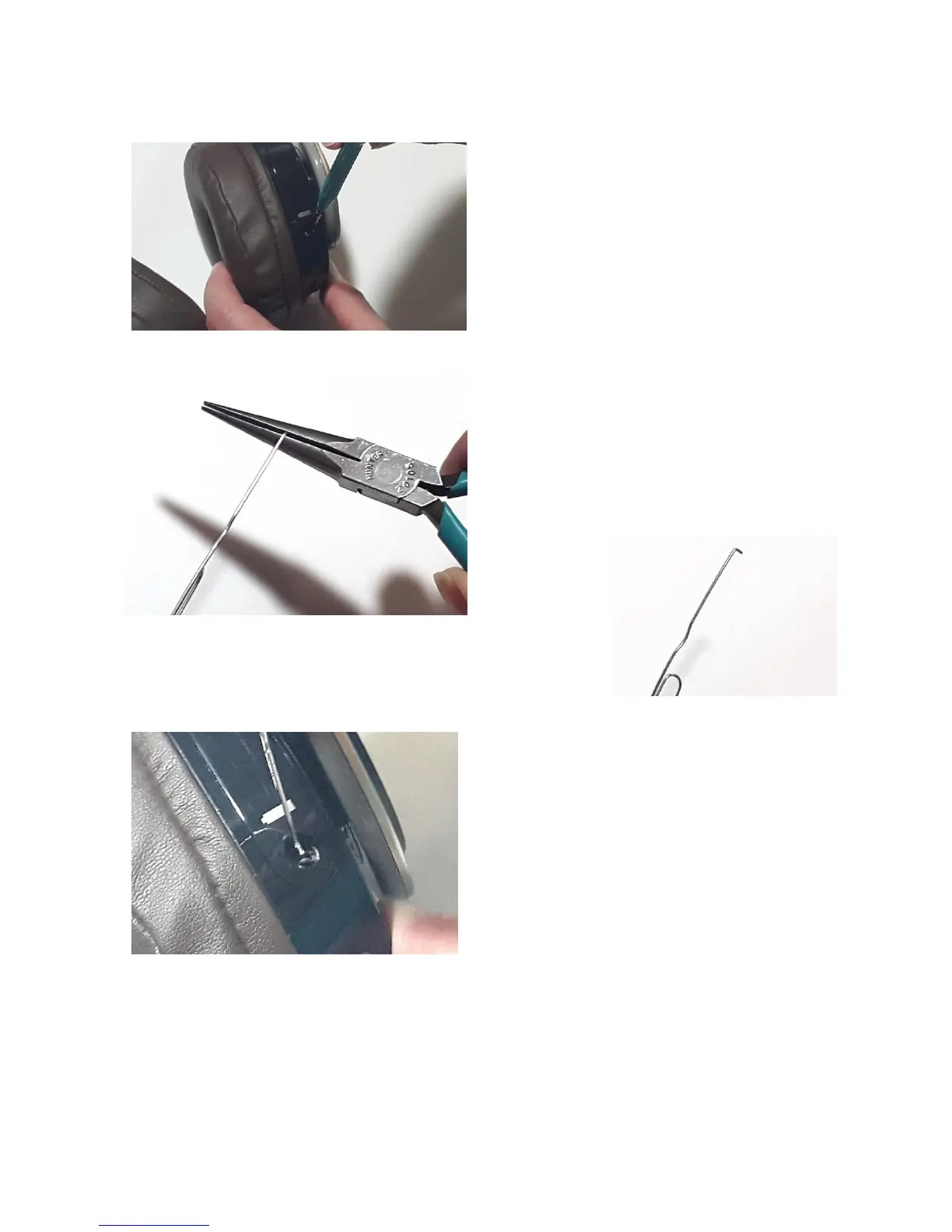
2. Using a T-10 Torx driver, remove the screw
holding the battery access cover.
3. Using a straightened, fairly heavy paper clip
and a pliers, fashion a small approximately
3/16 inch hook at the end.
4. Hook the end of the paper clip into the
bottom of the hole where the screw was
removed with the hook facing toward the
bottom of the access cover.



 To Next Page