27
ENGLISH
A
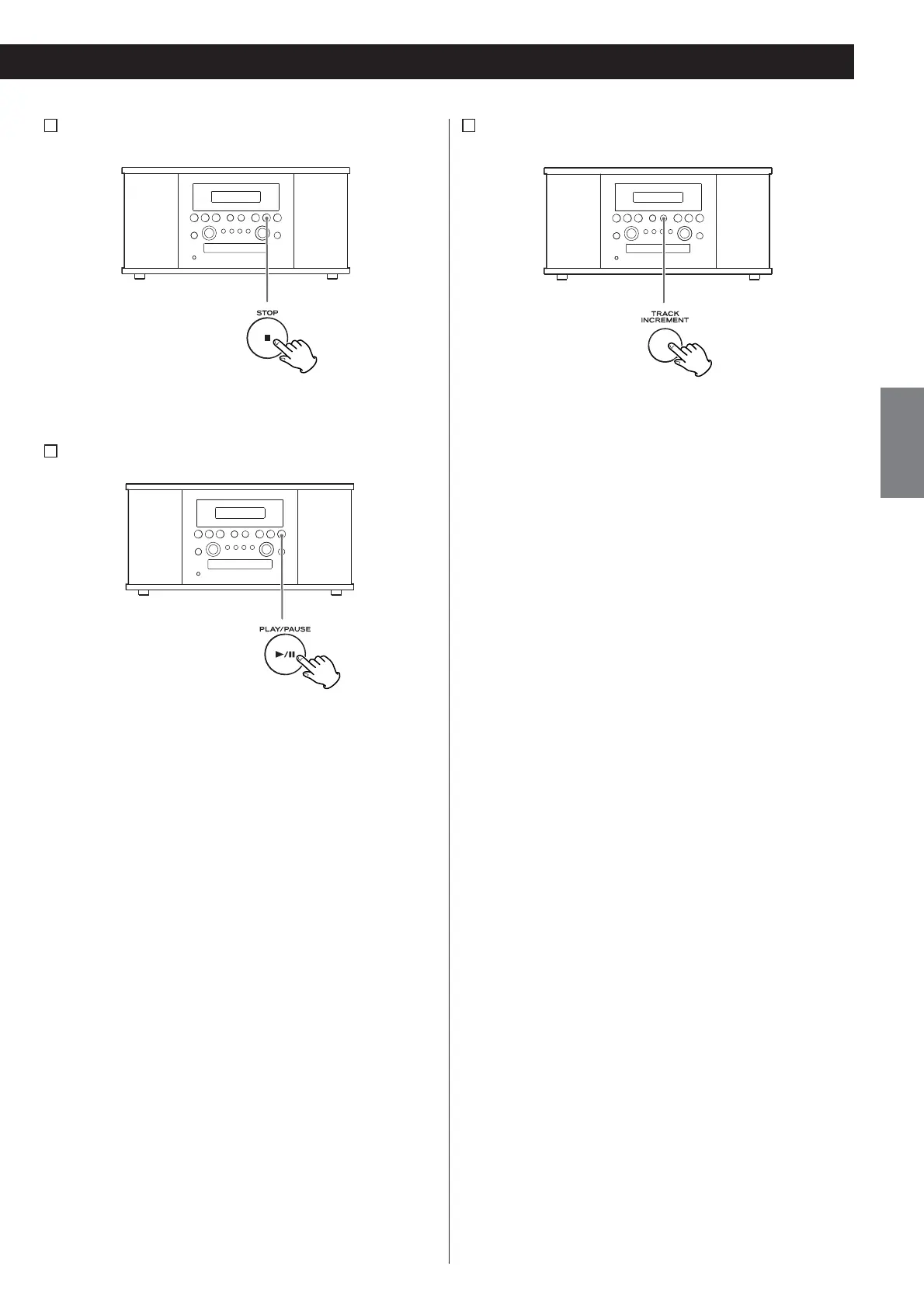
To stop recording
Press the STOP button (H) to stop recording.
B
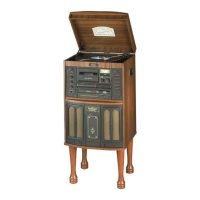
To pause recording
Press the PLAY/PAUSE button (y/J). “bUSY” briefly appears on
the display, and the recording is paused.
To restart recording, press the PLAY/PAUSE button (y/J).
< You cannot restart recording while “bUSY” is displayed.
< Remember that every time recording is paused or stopped, a
new track number will always be assigned. It is not possible to
record in two “stages” within one track.
< The unit will not stop or pause even if the PLAY/PAUSE button
is pressed within 10 seconds after recording has started.
C
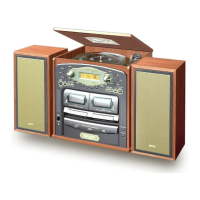
Manual track division
It is possible to divide the recording into tracks while recording.
While recording is taking place, press the TRACK INCREMENT
button. The current track number will be incremented by one.
< The TRACK INCREMENT button works regardless of the
MANUAL/AUTO REC setting.
< You cannot divide the track manually to make a track of
less than 10 seconds. Up to 99 tracks can be made on a disc
depending on the CD specifications.
< When the TRACK INCREMENT button is pressed while recording,
the recorded sound will be cut for a moment.



 To Next Page