Warm tips:
1. Please ensure type-c data wire is connected well with device interface.
2. This product supports whole function of type-c (charging and video),
integrated one line. If screen cannot be powered on or restarted,
please supply external power of 5V, 2A.
3. The PD interface used to connect the product must use the HDMI TO
TYPE-C data cable in the package and be externally powered.
USER GUIDE
Teamgee S2 Laptop Tri-Screen Extender
tgmonitor_service@hotmail.com

 Need help?
 General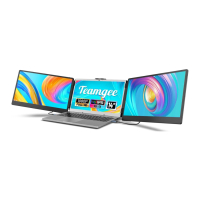

 To Next Page