EN
IT
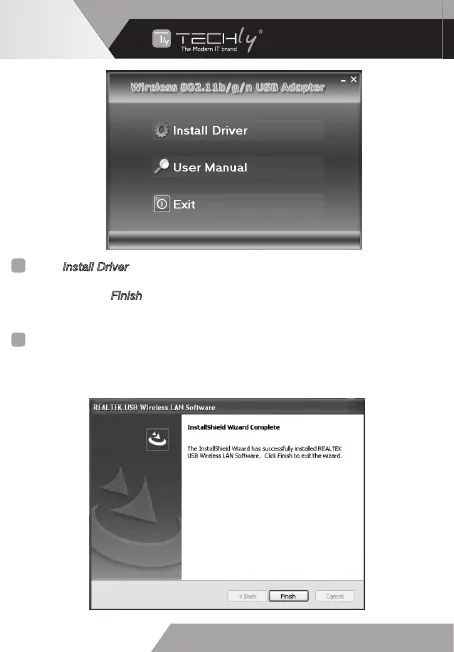
Click “Install Driver” to start the installation procedure.
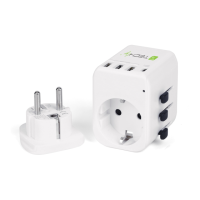
4. Once the installation is finished the computer will be asked to reboot.
You can click “Finish
” and reboot the computer to finish the installation of
driver files.
Cliccare su “Installa Driver” per avviare la procedura di installazione.
4. Appena l’installazione è terminate il computer chiederà di essere riavviato.
Potete cliccare su “Termina” e riavviare il computer per completare
l’installazione dei driver.
6
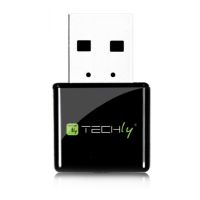
MINI USB WIRELESS
ADAPTER 300 Mbps
WWW.TECHLY.COM


 To Next Page