EN2
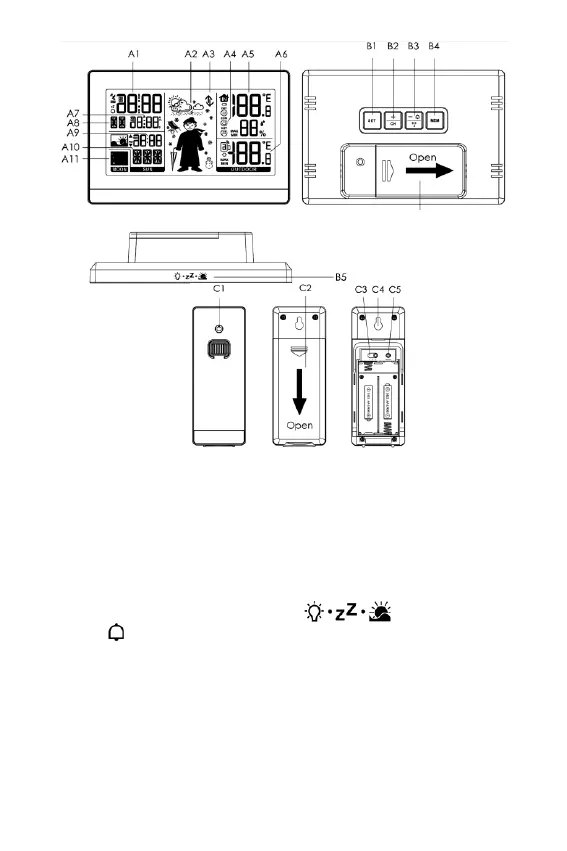
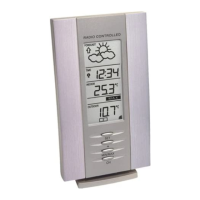
Appearance description:
Part A – Display
A1 : Time A7: Date / Alarm or Second
A2 : Weather symbol A8: Day of week
A3 : Air pressure trend A9: Sunrise time/ sunset time/ sun duration
A4 : Comfort icon A10: City name
A5 : Indoor temperature and humidity A11: Moon phase
A6 : Outdoor temperature
Part B – Buttons + Backside
B1 : SET button B4: MEM button
B2 : +/CH button B5: button
B3:-/ Wave / ON or OFF button B6: Battery compartment cover
Part C - Outdoor sensor
C1 : Transmit indicating lamp C4: Wall mounting hole
C2 : Battery compartment cover C5: Reset button
C 3: Channel switch











 To Next Page