APP installation quick guide
12
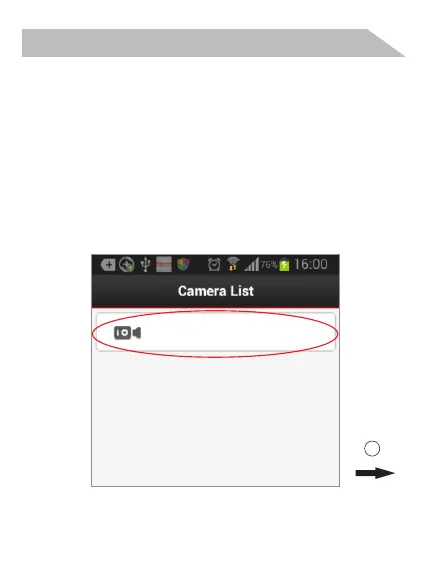
Click here to add camera
Open the App “Mini WiFi Cam” and
choose “click here to add camera”,
“Auto search”, “Camera found”. And
if you do not have WiFi network,
installation is done. And you could
see the next room directly.
Step 3(Install local) :
1
Android or IOS


 To Next Page