Driver I NS TAL L ATION ( IF N E E DE D)
Notice: Please make sure the webcam is plugged into the USB port before installation.
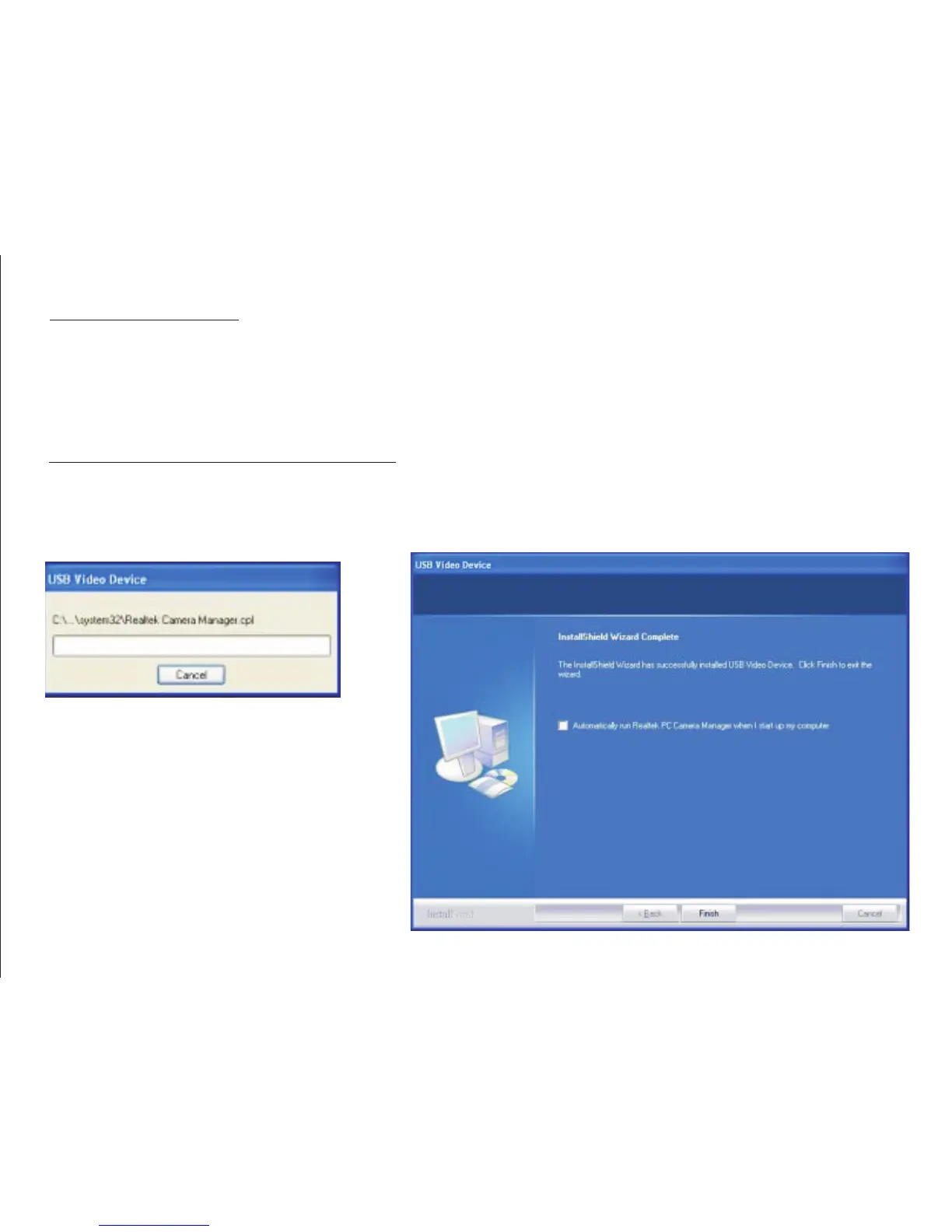
1. Insert Driver/Application Disc into CD-ROM drive,install the driver by double clicking Setup and
the system will automatically run necessary files and display windows as following:
Pac kage C ontents :
Your new Webcam will ship with the following items.
* 1 ×TeckNet C018 1080P Webcam
* 1 ×Driver CD
* 1 ×User Manual
2


 To Next Page