How to U S E U S B V ideo Device?
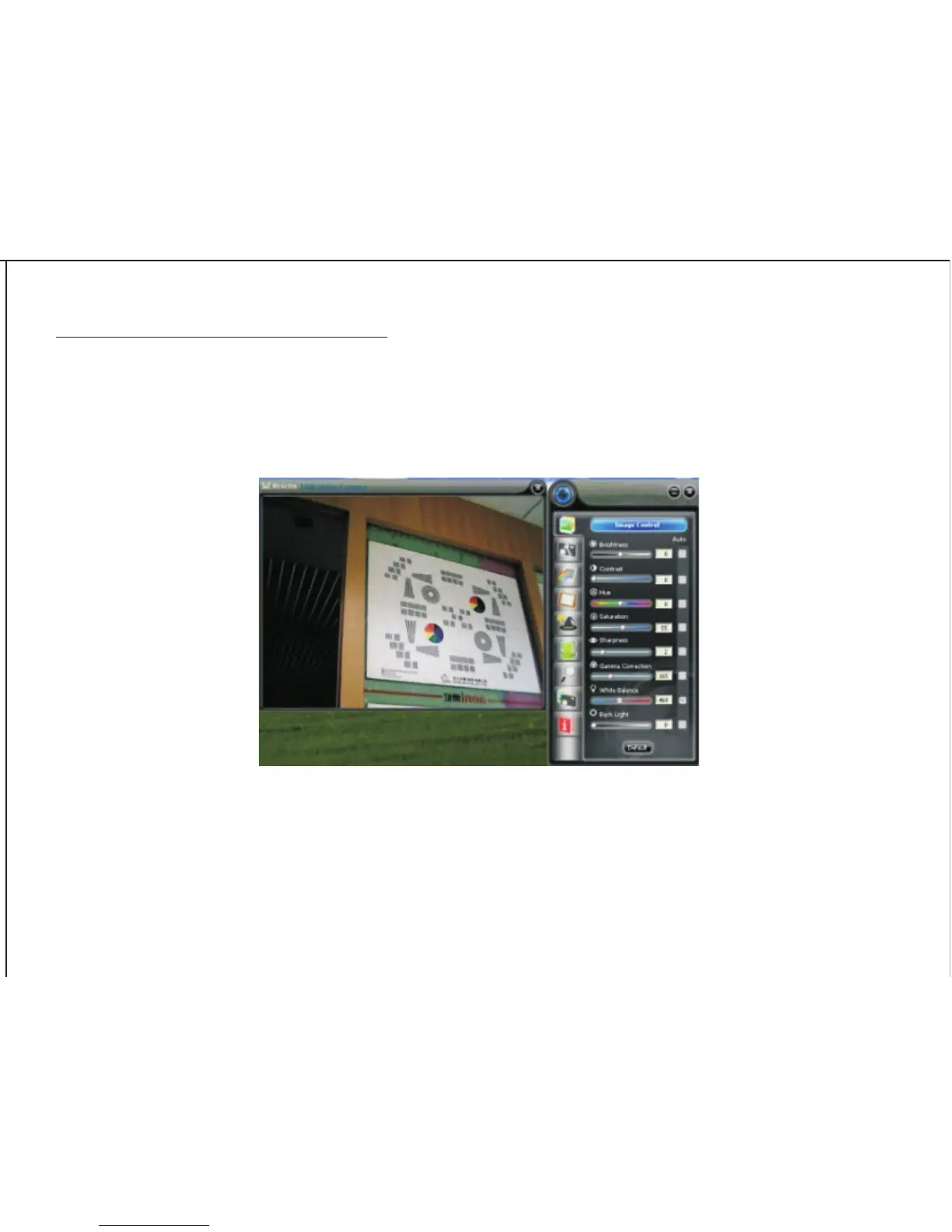
How to preview the picture?
Right Click the Webcam Icon in the Taskbar, and choose “Show Main Panel“. Left click the preview window in
the upper left corner, then you can see it.
How to take a picture?
Select “Photograph” icon and choose your favourable image size. Click “save” and choose a disk or folder for
your pictures, and then click “snapshot”.
4


 To Next Page