6-Month Battery Life
The mouse consumes very little power and enables a long battery life of up to 6
months without changing the battery. However please note that the actual battery life
may vary based on user and computing conditions.
Installing the Batteries
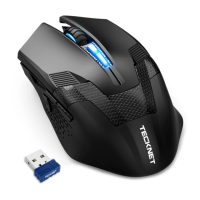
The RF 2.4GHZ optical mouse uses single AA batteries (Battery not included).
1. Open the battery cover.
2. Install the batteries into the compartment, ensuring they correspond with the
polarity marking. Please make sure that the white pull-tab is under the batteries
when loading.
3. Replace the battery cover.
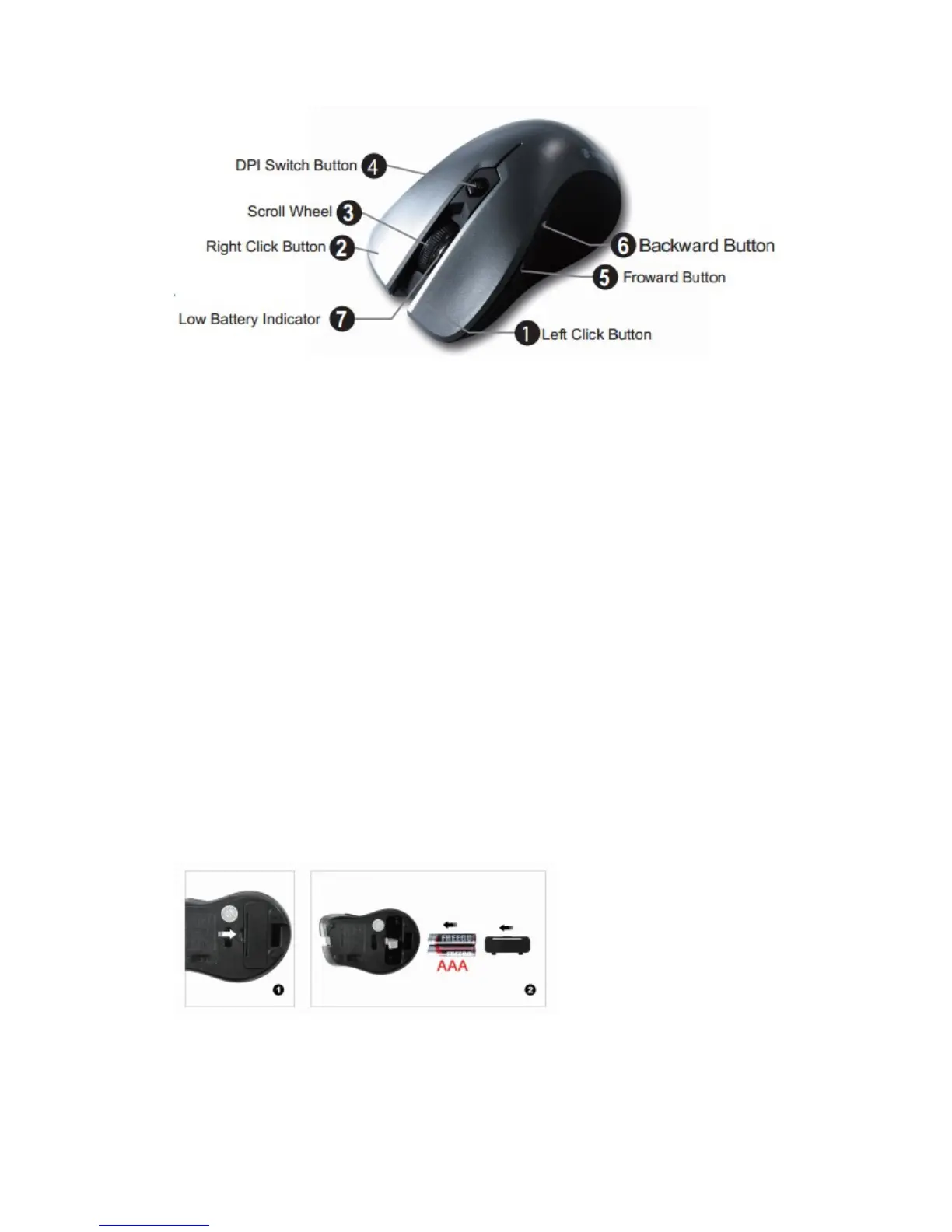
4. Switch on the mouse by adjusting the power switch underneath the mouse. The
red LED of the power indicator(the scroll wheel LED) will flash.
Note:
1) Make sure that the polarity of the batteries is correct. The positive (+) and negative
(-) ends of each battery must match the positive (+) and negative (-) markings in the
battery housing.
2) Open the battery compartment cover, simply pull up the white tab, the batteries will
move out of the compartment for reloading the new batteries, ensuring they
correspond with the polarity marking.
Connecting the Receiver
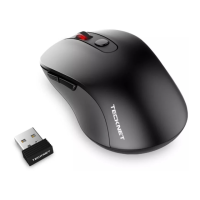
Take out USB Nano receiver and plug it into a free USB port in your computer. The
Plug & Play function of your system will detect that a new device has been connected
and install it automatically


 To Next Page