before using it for the first time.
To get the best performance from your dishwasher, read all operating instructions
10
11
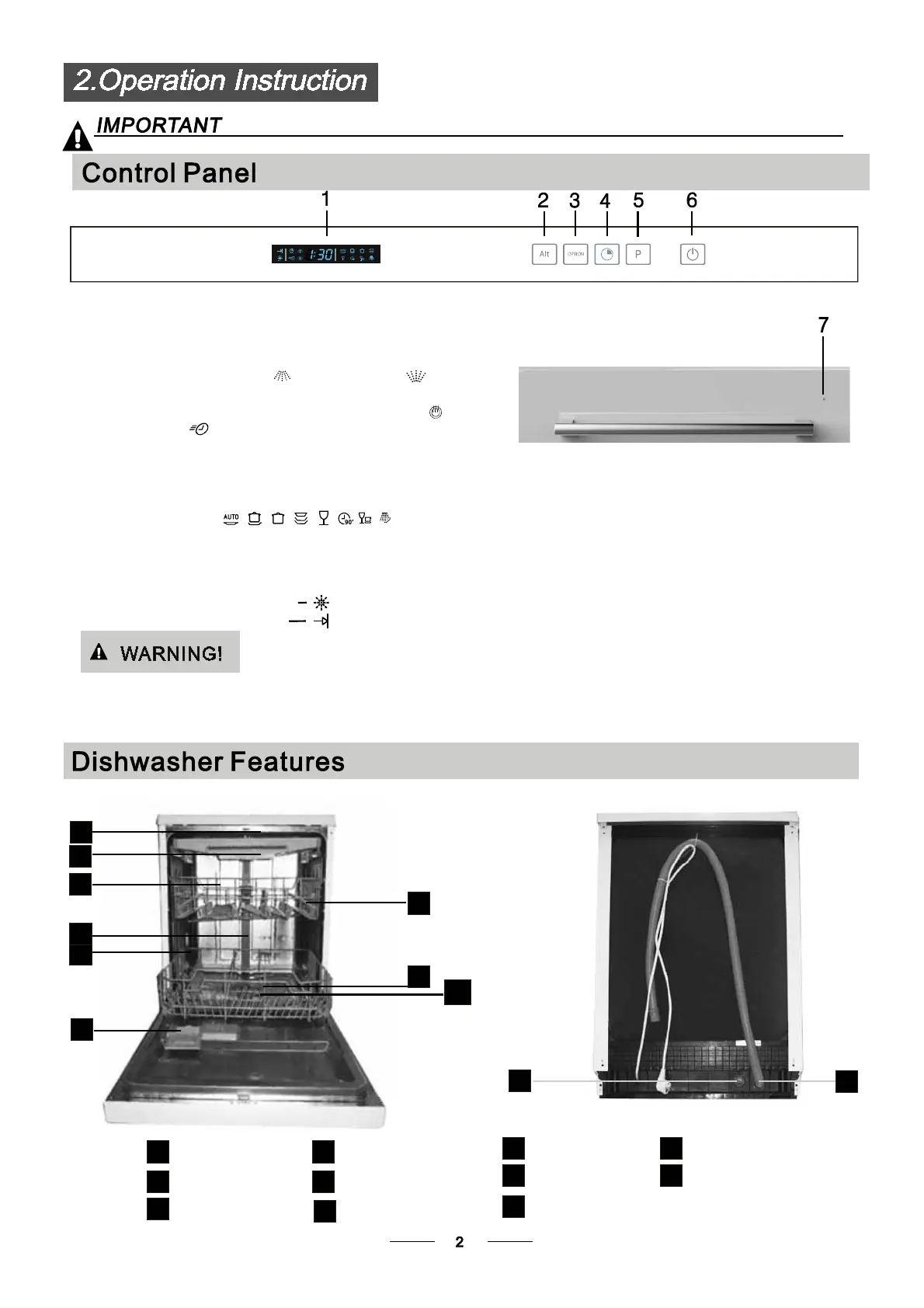
Back View
1
2
3
4
5
6
7
8
9
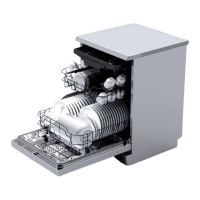
Front view
Lower basket
Dispenser
Cup shelf
Spray arms
Filter assembly
Inlet pipe connector
Drain pipe
Upper basket
Cutlery rack
Top spray arm
1
Inner pipe
5
6
7
8
9
11
10
3
2
4
3
1
3
1
3. : toselectoptionfor ExtraDrying or
Express function with the main program being selected.
Option Button
6. : To turn on/off the power supply.Power Button
4. : To touch the button to delay, delay time will
be increased by continuously pressing this button.
maximum 24 hours delay can be defined.
Delay Button
5. : To Press the button to select
appropriate Program:
Program Button
1. : to show the remaining time, programs,
ending finished and rinse aid warning;
Display Screen
2.Alt Button : Dual zone wash function, press the button
to select either upper basket or lower basket loaded,
and the response indicators will light on
7. : to show the state of dishwasher with the
door closed. Refer to descriptions on right.
State Indicator
The glass outer door is breakable ornament, please do
not impact.And a broken door dishwasher is harmful to
your family.
Rinse Aid requires refilling
The washing program is finished
Running : The indicator light begin to flash.
Pause/Start : The indicator light stops flashing
when paused. It will flash once wasing resumes.
Finish : The indicator light stops flashing.
The indicator light will be off when the door is
open and when selecting other operations.
A BLUE indicator light will flash when in operation,
when wash is finished a white steady light will
illuminate.


 To Next Page