BATTERY INSTALLATION/REPLACEMENT
A 9V alkaline battery is supplied with the instrument but not installed. Read
the following installation instructions before attempting to install or remove
the battery. Replacement batteries should also be alkaline types.
WARNING
Turn the unit off and disconnect any input/output connec-
tions before replacing the battery. Put the cover back into
place on the battery compartment before resuming use of
the instrument.
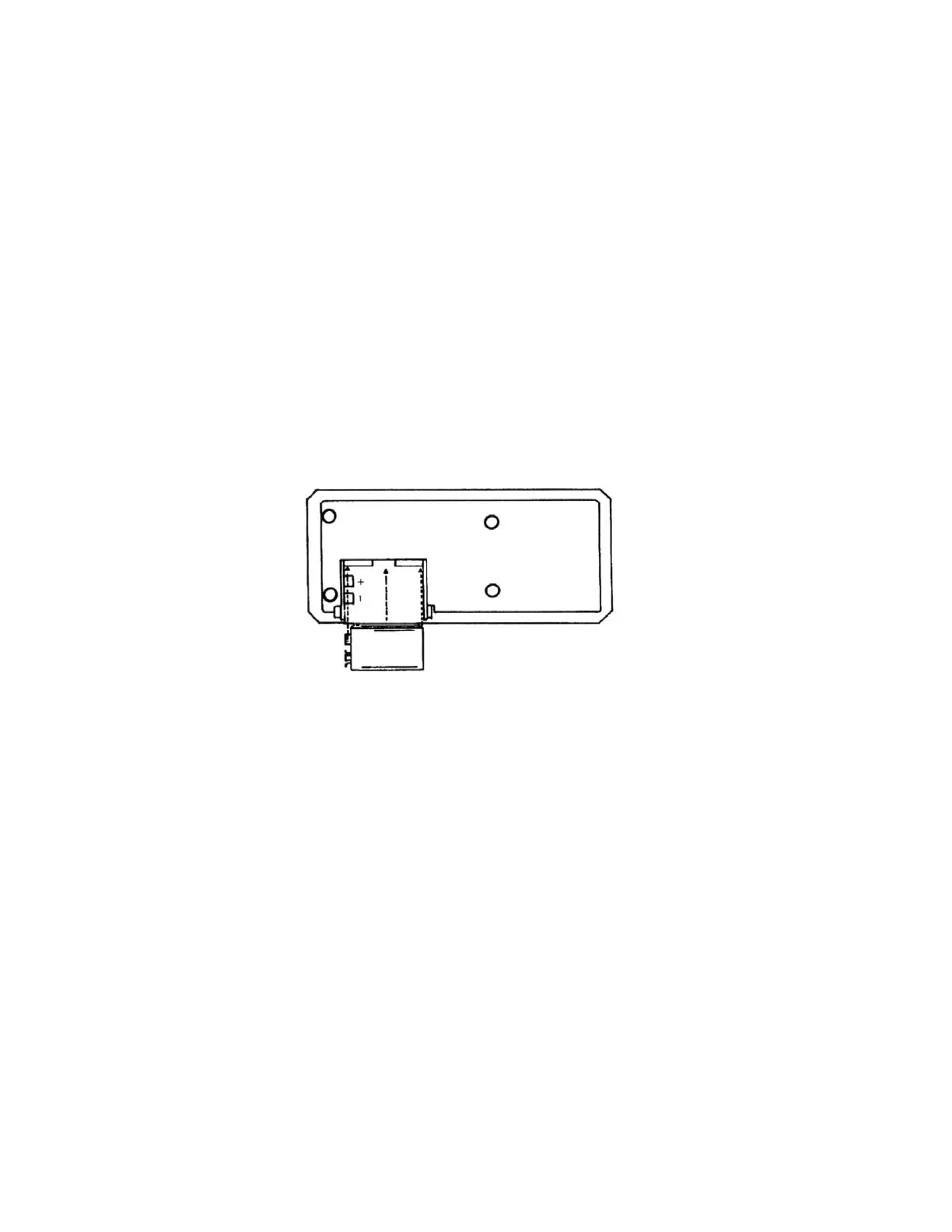
1. Remove the cover from the battery compartment by sliding it off in the
direction of the arrow located on the battery cover.
2. Remove the old battery.
3. Place the new battery in the battery compartment. Be sure to observe
proper polarity.
4. Re-install the battery cover before resuming use of the instrument.
Figure 1. Battery Installation
NOTES:
• Less than 10% of battery life remains when the BAT annuncia-
tor turns on.
• When the battery is excessively discharged, the display is
blanked.
• If the instrument is going to be stored for a long period of time
or in a high temperature environment, remove the battery to
prevent leakage damage.
• After a new battery is installed, allow approximately 5 sec-
onds for display turn-on the first time the unit is turned on.
During this period, microcomputer initialization is per-
formed.
9


 To Next Page
 Loading...