38
User’s Guide
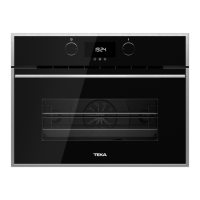
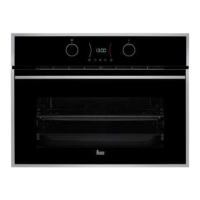
Turn the oven on by pressing the button.
Turn the left dial until the desired function has
been reached.
The recommended temperature for the function
chosen will then appear on the right.
If desired, the temperature can be changed by
turning the right dial.
Confirm your choice with the
button.
The oven will begin cooking.
At any time during the cooking process you can:
• Change the cooking function by turning
the left dial.
• Change the cooking temperature by
turning the right dial.
• Programme the cooking timer or a duration
/finish time by pressing the
button.
• Modify programmed timers or duration
/finish times by pressing the
button.
INFORMATION
To set or modify a programme, consult the
“Timed cooking programmes” section which
can be found further on in this users manual.
AUTOMATIC FAST PREHEATING
The functions indicated incorporate fast
preheating.
During fast preheating the
symbol lights up.
We recommend waiting until this symbol goes
away before putting in the food.
COOKING WITH
TRADITIONAL FUNCTIONS
Selecting functions.


 To Next Page
 Loading...