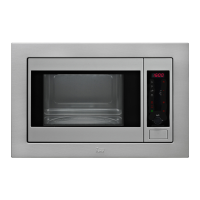
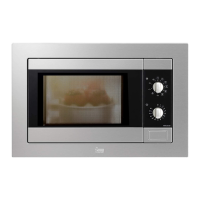
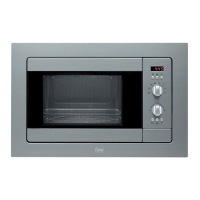
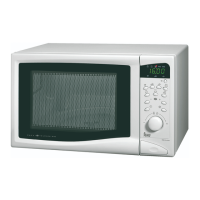
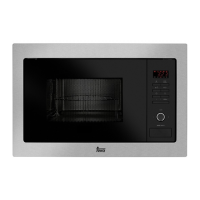
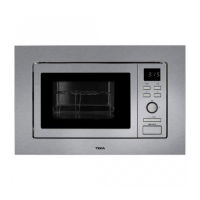
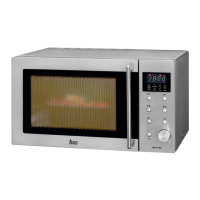
Function: Grill
1. Press the grill button. The button indicator
lights up.
2. Enter the operating time (for example, 10
minutes) with the help of the ROTATING
BUTTON, by turning it in any direction.
3. Press the START button. The microwave starts
to function.
Function: Microwave + Grill
1. Press the MICROWAVE + GRILL button. The
button indicator lights up.
2. Enter the operating time (e.g., 10 minutes) with
the help of the ROTATING BUTTON, turning it
in any direction.
3. To change the power of the microwave, press
the “–” and “+” buttons. If the buttons are not
pressed, the appliance functions at the
maximum power. The screen shows the power
level selected (P 01 - P 05). See the section on
4. Press the START button. The microwave starts
to function.
Function: Defrosting by weight (automatic)
1. Press the button DEFROSTING. T The button
indicator lights up.
2. Use the “–” and “+” buttons to indicate the
type of food (see the following list). If you do
not indicate any type of food, the appliance will
function on default programme 1 (meat).
3. Indicate the weight of the food (e.g. 1.2 kg)
using the ROTATING BUTTON, by turning it in
any direction.
4. Press the START button. The microwave starts
to function.
5. When the oven stops and starts to beep, move
or turn the foods. To continue, close the door of
the microwave and press the start button, to
continue the defrosting process.


 To Next Page
 Loading...