Software Installation 3
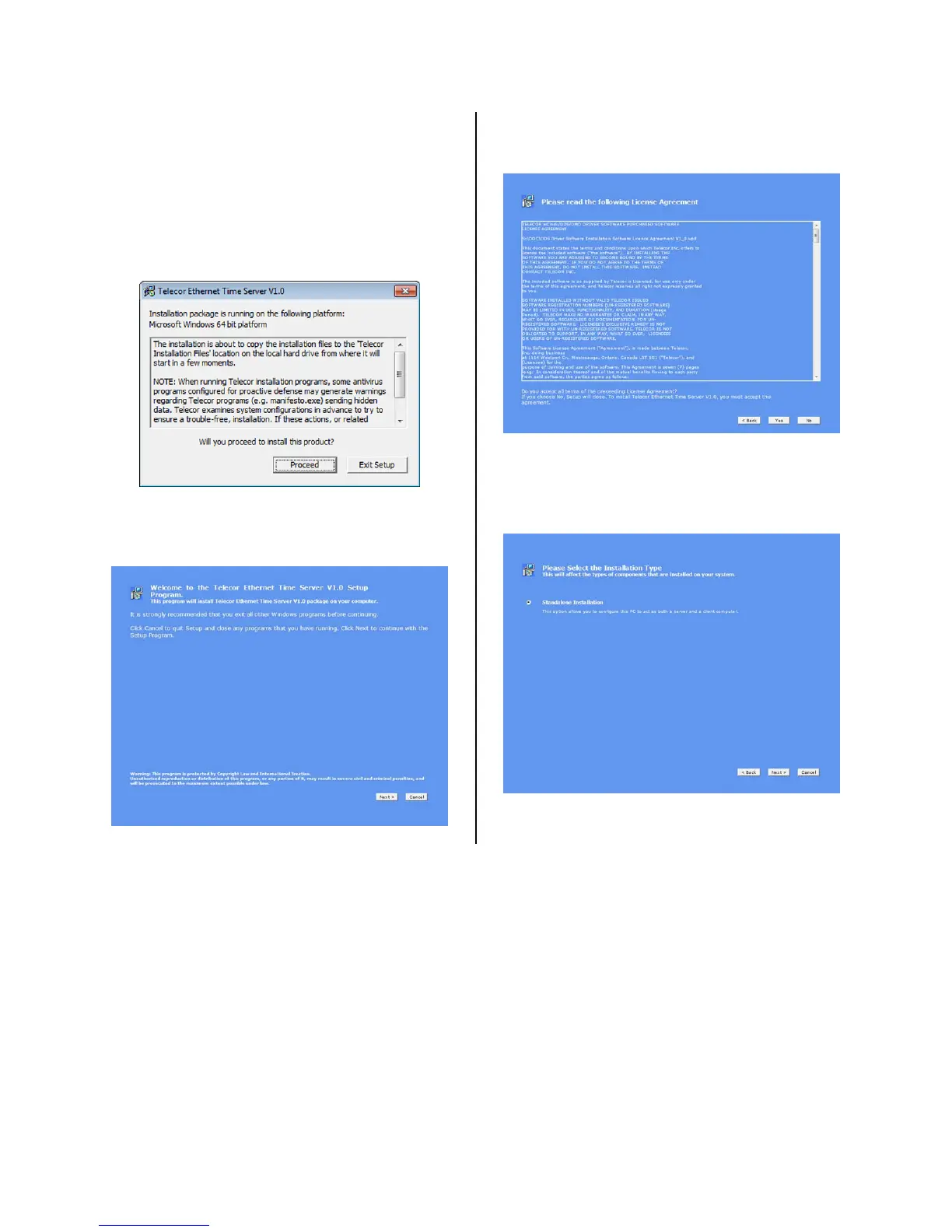
11. A window will appear explaining
that the installation procedure may
generate antivirus warnings. Telecor
confirms that that it is safe to
proceed with the installation despite
these antivirus warnings. Click
Proceed.
12. A welcome screen will appear. Click
Next.
13. Read the terms of the License
Agreement and then click Yes.
14. When prompted to select the
installation type, choose Standalone
Installation, and then click Next.


 To Next Page