EasyManua.ls Logo

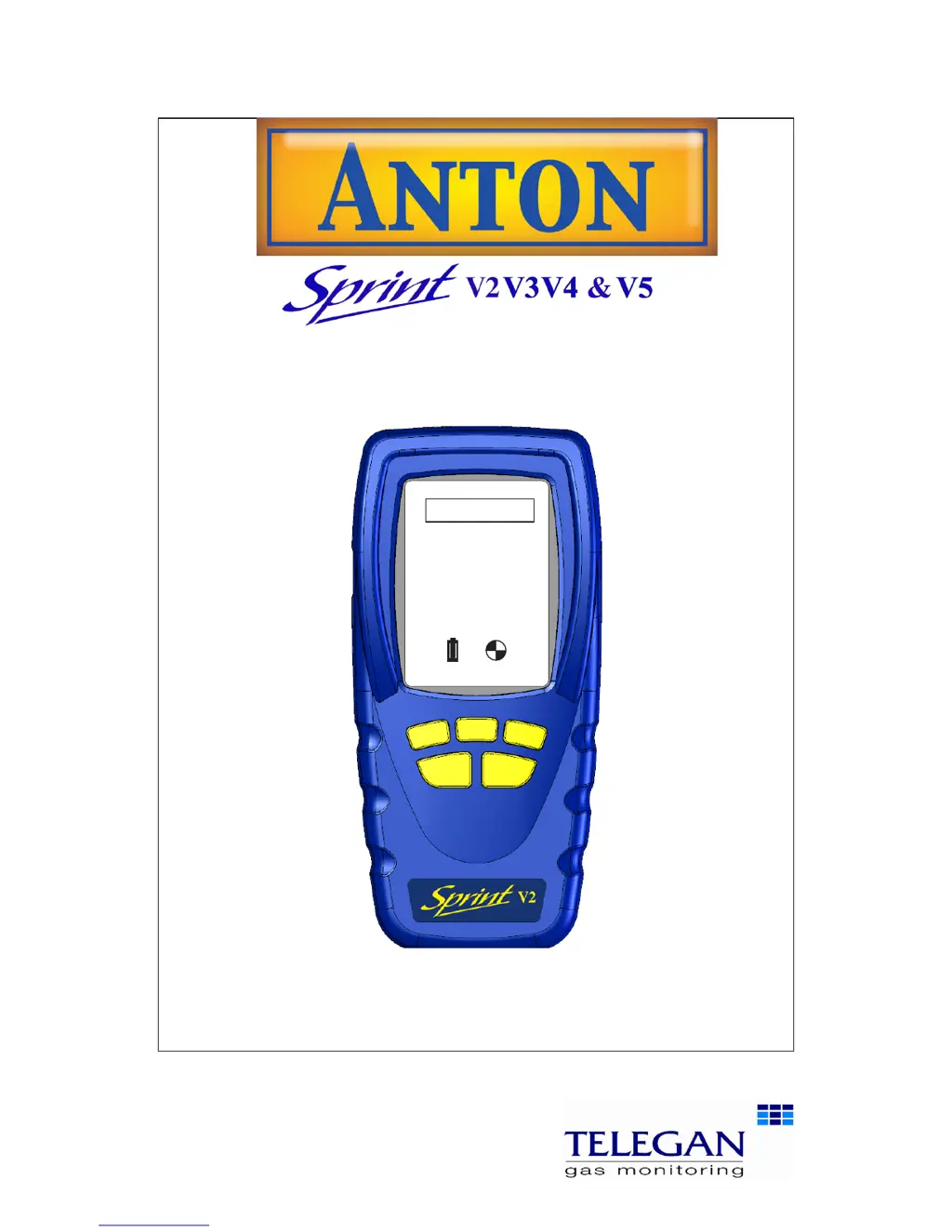
Telegan Anton Sprint V2 - User Manual

Telegan Anton Sprint V2
34 pages
Print Icon
To Next Page IconTo Next Page
Loading...
User Manual
INS 29612
November 2011
Issue 6
Multi-function flue gas analyser
Tel: +44 (0) 870 428 0075
Fax: 870 428 0076
sales@anton-group.com
www.anton-group.com
+44 (0)
Anton Group
Tel: +44 (0) 870 428 0075
A
NTON
V2.2 i1.05

Questions and Answers

  • C
    Cathy LoweAug 13, 2025
    What to do if Telegan Measuring Instruments printer does not respond or report contains odd characters?
    • H
      Heather WilliamsonAug 13, 2025
      If the printer for your Telegan Measuring Instruments isn't responding or prints odd characters, make sure it's charged and turned on. Verify that it's set up correctly with the 'PC' protocol and is within 1 meter of the instrument, with the IR windows facing each other. Be aware that other IR sources like PCs or sunlight can cause garbled printouts.
  • D
    Darrell BauerAug 16, 2025
    Why Telegan Measuring Instruments will not turn on?
    • M
      Mario JenkinsAug 16, 2025
      If your Telegan Measuring Instruments won't turn on, it might be due to a flat battery. Connect the charger and try again. The instrument is designed to prevent deep discharge and will automatically turn off when the battery level is too low.
  • A
    Amy LambertAug 20, 2025
    How to fix pump flow fail alert on Telegan Measuring Instruments?
    • T
      Thomas JacksonAug 20, 2025
      If you're getting a 'Pump flow fail alert' on your Telegan Measuring Instruments, the filter, water trap, or sample line might be blocked. Try emptying and cleaning the filter/water trap and make sure the sample line is clear.
  • M
    Michael SmithAug 25, 2025
    What to do if auto-zero failed on Telegan Measuring Instruments?
    • A
      Amy MarshAug 25, 2025
      If the auto-zero function fails on your Telegan Measuring Instruments, switch the device off and then on again. Ensure you are performing the zeroing process in clean air and that the sensors are purged. If the unit continues to fail auto-zero, it may require servicing.
  • H
    hannahhobbsAug 28, 2025
    What to do if Telegan Measuring Instruments will not turn on and charger symbol is not displayed when charger is connected?
    • M
      melinda87Aug 28, 2025
      If your Telegan Measuring Instruments unit doesn't turn on and the charger symbol isn't showing when connected, the battery may be flattened beyond the standard charging point. Ensure you're using the correct charger type. If so, plug it in and leave it connected. Check every 4-6 hours to see if the charging symbol appears. If it doesn't and the unit still doesn't switch on, it may require servicing.
  • J
    Jacob NorrisSep 1, 2025
    Why during auto zero the gas reading does not stabilise on Telegan Measuring Instruments?
    • A
      Alicia CollinsSep 1, 2025
      If the gas reading on your Telegan Measuring Instruments doesn't stabilize during auto-zero, it may be recovering from high gas exposure or the gas sensor could be faulty. Ensure the unit is purged and allow the sensor time to recover, or it may require servicing.
  • J
    Jonathan LeeSep 4, 2025
    Why Telegan Measuring Instruments sometimes displays negative gas readings?
    • B
      bclaySep 4, 2025
      If your Telegan Measuring Instruments sometimes displays negative gas readings, it might be because it was previously zeroed with gas present. Turn the unit off and on, then repeat the auto-zero process in clean, outside air, allowing the CO sensor time to recover and stabilize.
  • J
    Jessica ThompsonSep 8, 2025
    Why cal due date has changed on Telegan Measuring Instruments?
    • K
      kruegermarthaSep 8, 2025
      If the calibration due date has changed on your Telegan Measuring Instruments, check that the current date and time are correct. If the calibration due date is set to more than a year in the future, it may require servicing.

Summary

Safety Information

Summary of Screen Icons

Reference guide to icons displayed on the Sprint unit's screen for user actions and status indicators.

Unpacking the Sprint Unit

Unit Overview and Features

Probe Connections Guide

Quickstart Guide

Initial Setup: Powering On and Auto Zeroing

Steps to turn on the Sprint unit and perform the essential auto-zero calibration in clean air.

Menu Navigation and Basic Configuration

How to navigate menus and set fuel type, units of measurement, and display contrast.

Advanced Settings and Log Management

Configuration of auto-off timeout, backlight, report settings, and retrieving stored logs.

Switching Off and Battery Charging

Procedures for safely shutting down the unit and recharging the battery.

Performing Measurement Tests

Flue Gas Analysis Procedure

Detailed steps for conducting a flue gas analysis, including screen interpretation and result logging.

Pressure Tests: Let-by and Tightness

Instructions for performing let-by, stabilisation, and tightness tests for pressure measurements.

Pressure Tests: Stabilisation and Tightness Details

Further steps for pressure tests, including stabilisation and tightness test screens.

Differential Temperature Measurement

Guide to performing differential temperature tests using one or two thermocouple probes.

Room CO Safety Test Procedure

Steps for conducting carbon monoxide room safety tests according to BS7967 standard.

Gas Escape Test Procedure

Instructions for performing a gas escape test using the unit's leak detection capabilities.

Operation and Controls

General Operation and Pump Functionality

Explanation of auto-zero setting, pump operation, and exhaust gas safety.

Menu and Operator Button Overview

Description of the Sprint's graphic LCD, soft keys, ESC, and ON/OFF/ENTER buttons.

Menu Structure and Navigation Flow

Visual representation and explanation of the Sprint's menu hierarchy for accessing functions.

Setting Up and Configuration

Configuring Fuel, Units, and Display Settings

Guide to setting fuel types, units of measurement, and adjusting display contrast.

Configuring Advanced Analyser Settings

Adjusting auto-off timeout, backlight, report output, and key click sound.

Configuring NOx Factor, Password, and Alarms

Setting NOx factor, supervisor password, calibration due print, and CO alarm thresholds.

Battery Charging and Management

Maintenance and Calibration

Routine Cleaning and Unit Protection

Guidance on cleaning the unit and using the protective rubber boot.

Unit Calibration and Water Trap Maintenance

Details on annual calibration requirements and maintaining the filter and water trap.

Technical Specifications

Instrument and Enclosure Specifications

Technical data for the Sprint instrument's operating range, battery, dimensions, and enclosure.

Gas, Measurement, and Communication Specifications

Specifications for gases measured, other measurements, pressure scales, and communication interfaces.

Accessories and Spare Parts

Complete Accessory List

A list of available accessories and spare parts with their Telegan part numbers.

Logging Test Results

Recalling, Printing, and Deleting Logs

Instructions on how to access, print, and remove stored test logs from the Sprint unit.

Printing Reports and Data Transfer

Methods for printing test results via IR comms and transferring data via Bluetooth.

Troubleshooting Guide

Common Symptoms, Causes, and Solutions

Troubleshooting common instrument issues, their likely causes, and recommended user actions.

Advanced Troubleshooting Scenarios

Addressing specific problems like auto-zero failure, alarms, and sensor range issues.

Appendix I: Carbon Monoxide Room Safety Tests

CO Room Test Pass;Fail Specifications

Criteria for passing or failing CO room safety tests based on appliance type and CO levels.

Interpreting CO Test Results and Codes

Explanation of result codes, prompt messages, and how to interpret pass/fail cases.

CO Test Scenarios and Operator Decisions

Details on specific CO level scenarios and situations requiring operator judgment for test outcomes.

CO Level Scenarios and Zeroing Importance

Discussion on CO peaks, unstable levels, and the critical role of proper zeroing.

Telegan Anton Sprint V2 Specifications

General IconGeneral
BrandTelegan
ModelAnton Sprint V2
CategoryMeasuring Instruments
LanguageEnglish