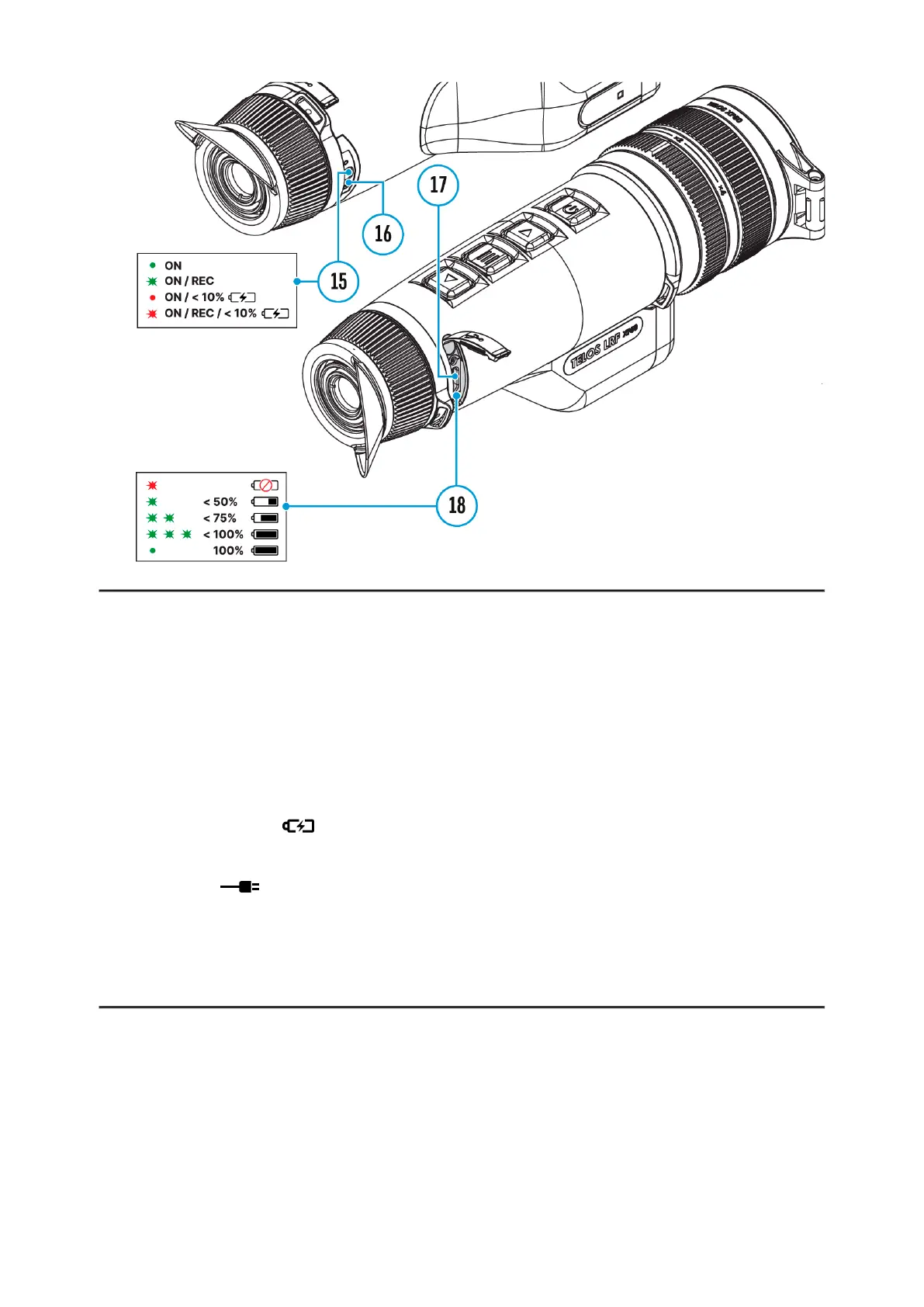
Power can be supplied from an external source such as a 5 V or 9 V power
bank.
1.
Connect the external power source to the USB Type-C connector (17)
on the device.
2.
The device will switch to draw power from the external source while the
LPS7i battery is gradually recharged.
3.
A battery icon will appear on the display showing the percentage-
charged level.
4.
An icon will be displayed when the device is powered by an
external power source and the LPS7i battery is not connected.
5.
The device automatically switches to the LPS7i battery when the
external power supply is disconnected.
Attention!Charging LPS7i batteries from an external source at
temperatures below 0°C (<32°F) can reduce battery life. When using
external power, connect the power bank to the device only after it has been
turned on and working (warming) for at least several minutes.



 To Next Page