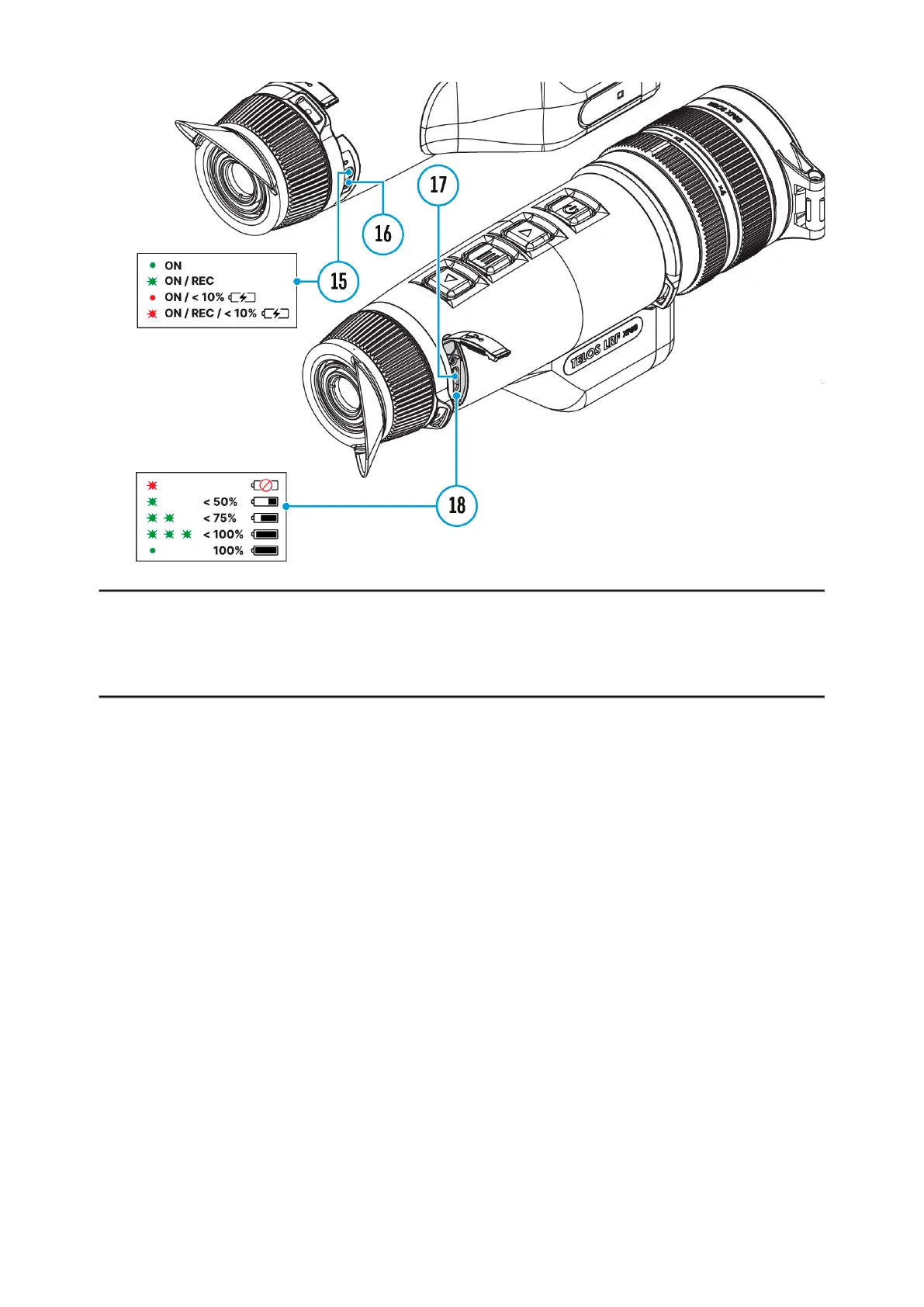
The TelosLRFthermal imager is equipped with an integrated laser
rangefinder.
Single Measurement Mode
1. Press the ON/OFF (9) button briefly to power the device on.
2. Activate the rangefinder by pressing the DOWN/LRF (12) button briefly.
A red mark appears on the display.
3. Place the rangefinder’s reticle on the target. Press the DOWN/LRF (12)
button briefly to measure the distance to the object once.
4. The measurement results are displayed in the upper right corner.



 To Next Page