1.
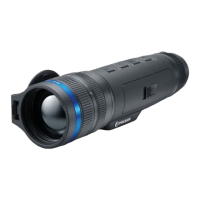
Lens cover
2.
Lens focus ring
3.
Digital zoom adjustment ring
4.
Tripod socket
5.
Battery compartment
6.
LPS7i battery
7.
Battery compartment cover
8.
Battery protective cover
9.
ON/OFF/Calibration button
10.
UP/REC button
11.
MENU button
12.
DOWN/MODE button
13.
Eyepiece diopter adjustment ring
14.
Operation status LED indication
15.
Microphone
16.
USB Type-C connector
17.
LED indication of battery charge in the device
LED indicator (14) displays the current status of the device:
LED Indicator Operating Mode
Device is turned on
The device is turned on/video
recording
The device is turned on/battery
charge < 10%
The device is turned on/video
recording/battery charge <
10%


 To Next Page