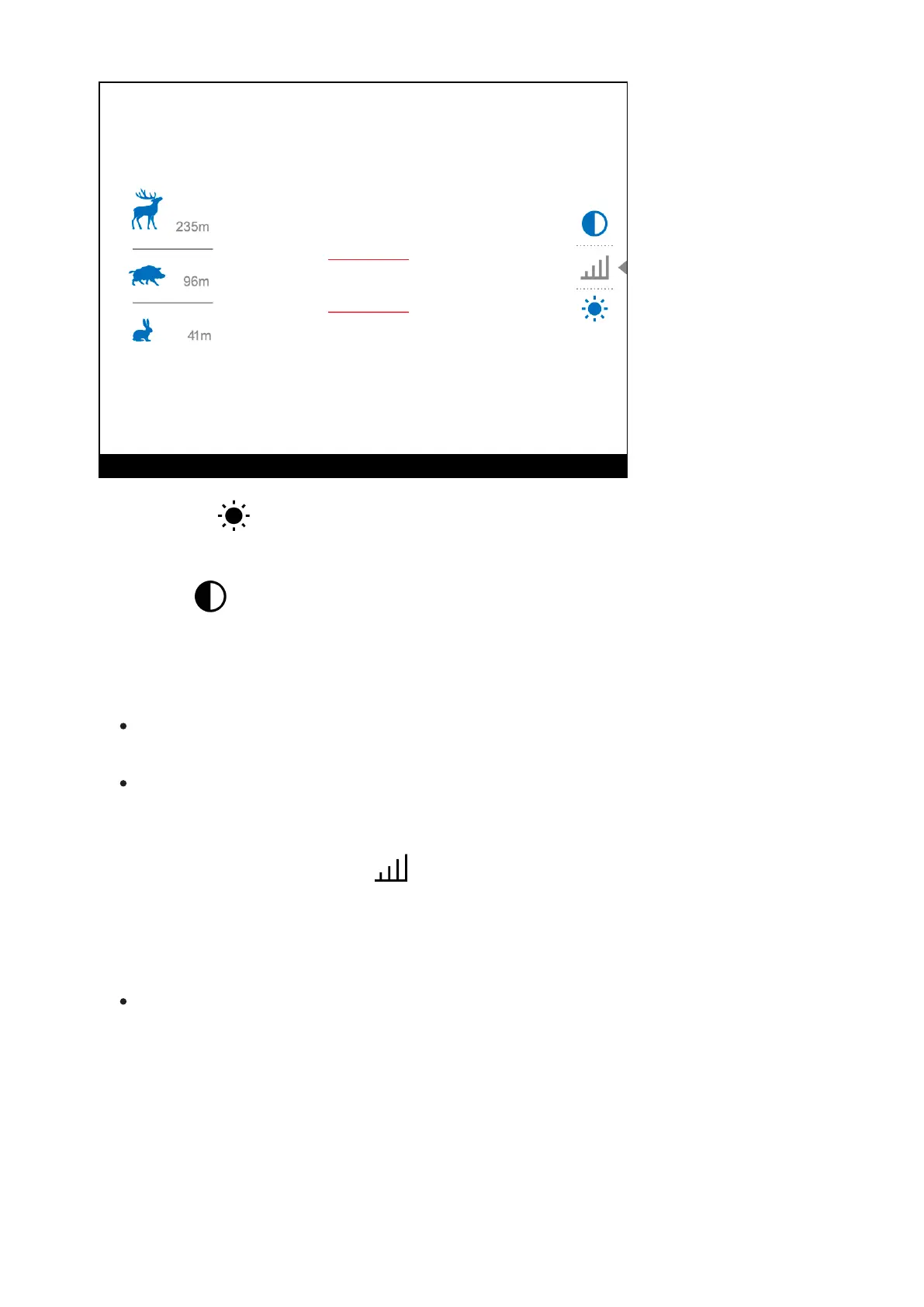
Brightness – press the UP (10)/DOWN (12) buttons to change display
brightness from 0 to 20.
Contrast – press the UP (10)/DOWN (12) buttons to change image
contrast from 0 to 20.
Notes:
Display brightness and contrast settings are saved in the memory when
the device is turned off.
To maintain brightness and contrast settings when changing amplifying
levels, activate User Mode.
Stadiometric Rangefinder - change the position of special marker
lines to determine the distance to the object being observed by pressing the
UP (10)/DOWN (12) buttons (for more details see the Stadiametric
Rangefindersection).
Press and hold the MENU (11) button to exit the menu or wait for 10
seconds to exit automatically.


 To Next Page