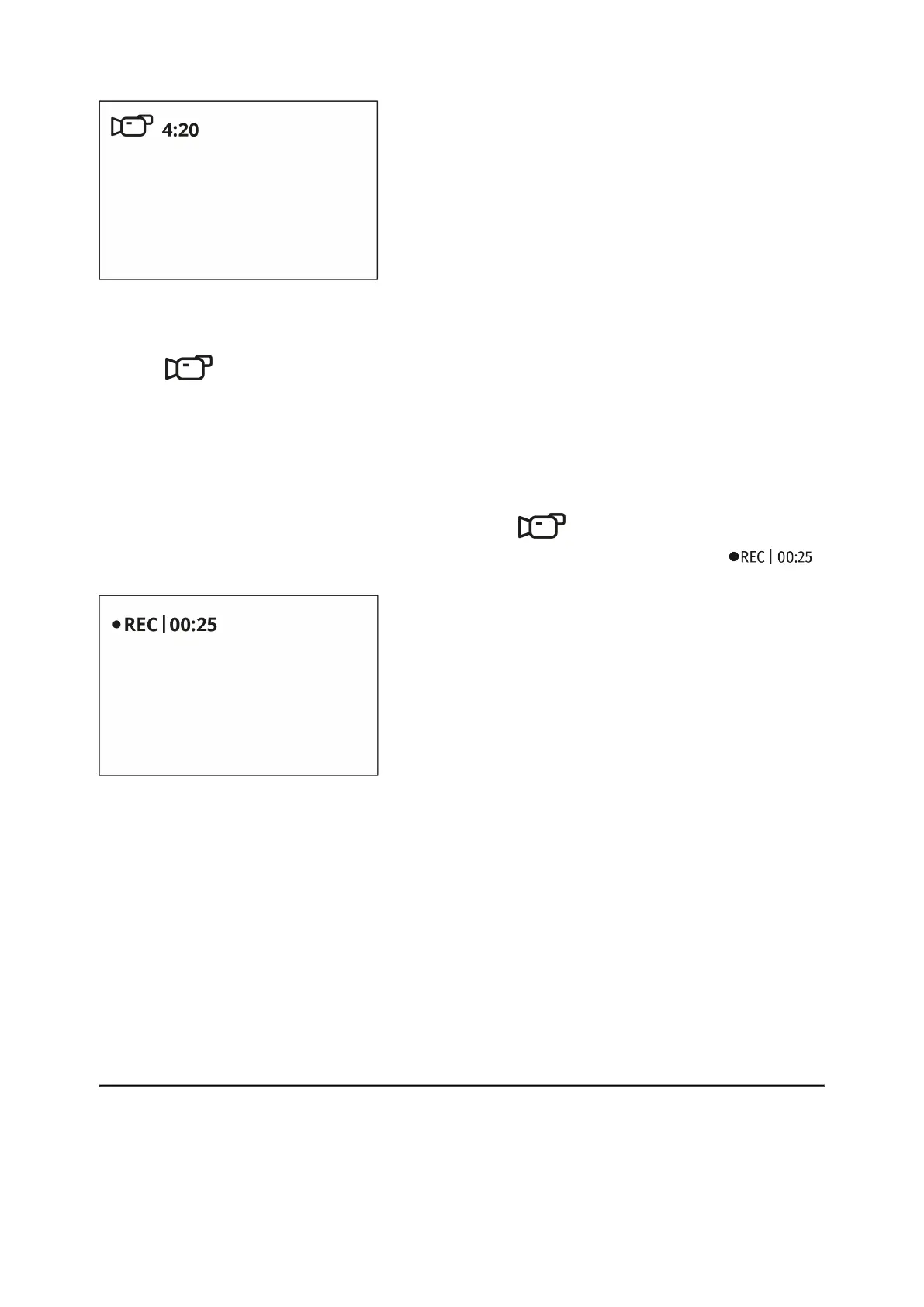
1. Switch to Video mode by pressing and holding the UP/REC (10) button.
2. The icon and the remaining recording time in HH:MM
(Hours:Minutes) format are displayed in the upper left corner, for example
4:20.
3. Press the UP/REC (10) button briefly to start video recording.
4. When the video recording starts, the icon will disappear and the
REC icon and timer in MM:SS (Minutes:Seconds) format will appear .
5. Pause and resume recording video with a short press of the UP/REC (10)
button.
6. Stop recording video with a long press of the UP/REC (10)button.
7. Video files are saved to the built-in memory card after the video
recording has been stopped.
8. Press and hold theUP/REC (10) button to switch between the Videoand
Photomodes (Video-> Photo-> Video…).
Photo Mode. Capturing an image


 To Next Page