48
Visual Message Waiting Service
In future, when available from the Telstra network,
if you have Voice Mail message service that
includes the visual message waiting indication
feature, the * symbol appears and the New Calls
alert flashes whenever you have a message waiting
for you. When you have read all the messages in
the voice mailbox the * symbol disappears
automatically.
Note:
If the * symbol remains on the screen after you
have read all your messages you can clear it
manually by selecting the CLR MESSAGE Icon
option in the Settings menu.
Using the Services List
For easy access to your local network services,
your telephone provides you with a list of the most
popular and useful Telstra Easycall
®
network
services.
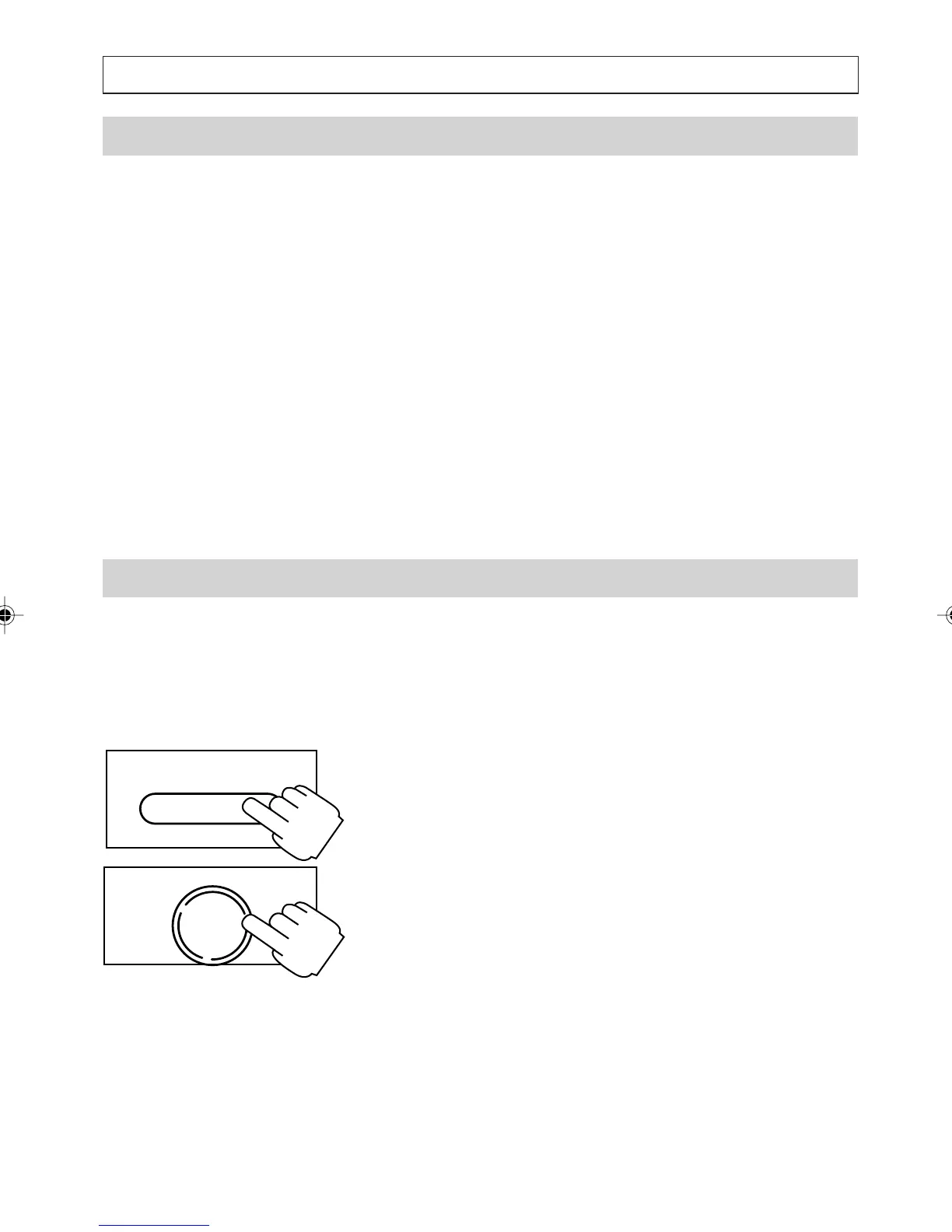
1. Press [SER/MENU] to access the list of
available services. For example, Call Blocking,
Call Back, Cancel Call Back, Call Wait ON,
Call Wait OFF, Call Forward Immediate ON,
Call Forward OFF, 3 Way Conference and
.
Transfer.
2. Press [
] and [] to scroll to the service you
want, then press OK.
OK
DIAL
SERV/MENU
USING NETWORK SERVICES
a200ug.p65 3/7/01, 11:11 AM48



 To Next Page