50
USING NETWORK SERVICES
Modifying the Services List
You can modify the network services to suit your
needs.
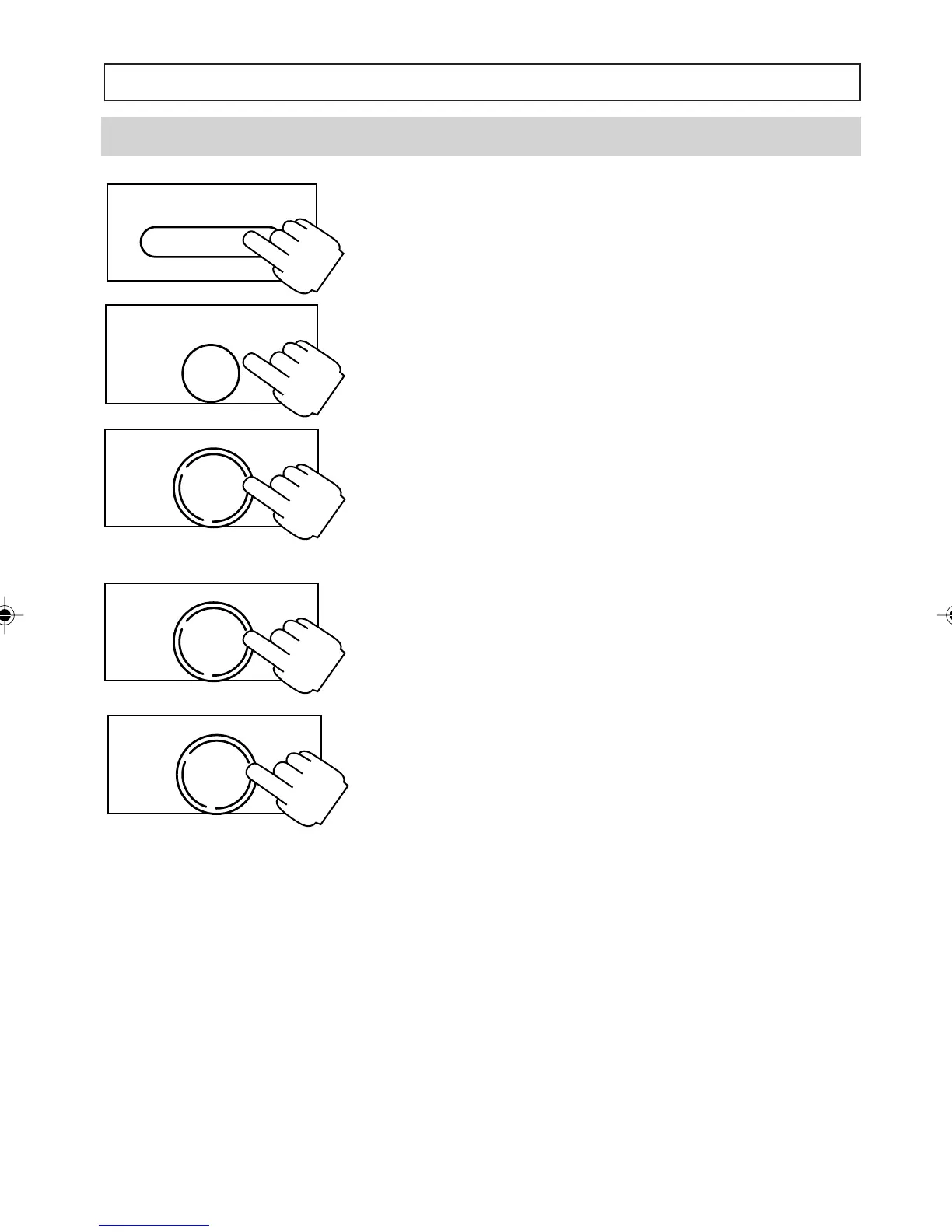
1. Press [SERV/MENU] to access the list of
available services. For example, Call Block,
Call Forward ON, Call Forward OFF, Call Wait
ON, Call Wait OFF, Call Back.
2. Press [
] to scroll to the service to be
modified, then press ENTER.
3. Press [OK] to select the modify option.
4. Enter the required network service code then
press [OK].
5. Modify the name of the service, then press
[OK].
If the Error Beep has been set ON the telephone
will beep to warn you that you are trying to use a
feature that is not currently available.
1. You are trying to set an invalid time or date
setting.
2. You are trying to use the [
] or [] keys
when you have already reached the top or
the bottom of the entry list.
3. You are trying to use MOVE or COPY
functions to transfer an entry to an invalid list or
to one which is already full.
SERV/MENU
ENTER
NOTEPAD
OK
DIAL
OK
DIAL
OK
DIAL
a200ug.p65 3/7/01, 11:11 AM50



 To Next Page