Press to input ‘#’.
• Switch SMS text input mode – (Abc, abc, 123)
• Hold down to engage / disengage Silent mode.
* key
• From the idle screen press to enter ‘*’, ‘+’, ‘W’, or ‘P’
• Use + for the international dialling prefix.
• ‘W’ will wait until the next number is entered into the
dialling sequence.
• ‘P’ inserts a 3 second pause into the dialling sequence.
• In SMS mode press to access common symbols.
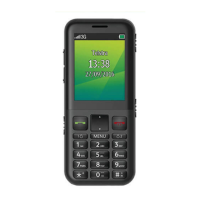
Emergency
Switch
• Activate your Switch Call and SMS
(see Emergency Switch Setting).
Volume keys
• Adjust the volume up and down.
Torch switch
•
Turn the FM radio on or off.
Keylock switch
• Lock and unlock keypad. (Emergency calling is still
possible with the keylock engaged, be aware the
handset can still ‘pocket dial’ to 000 and 112)


 To Next Page