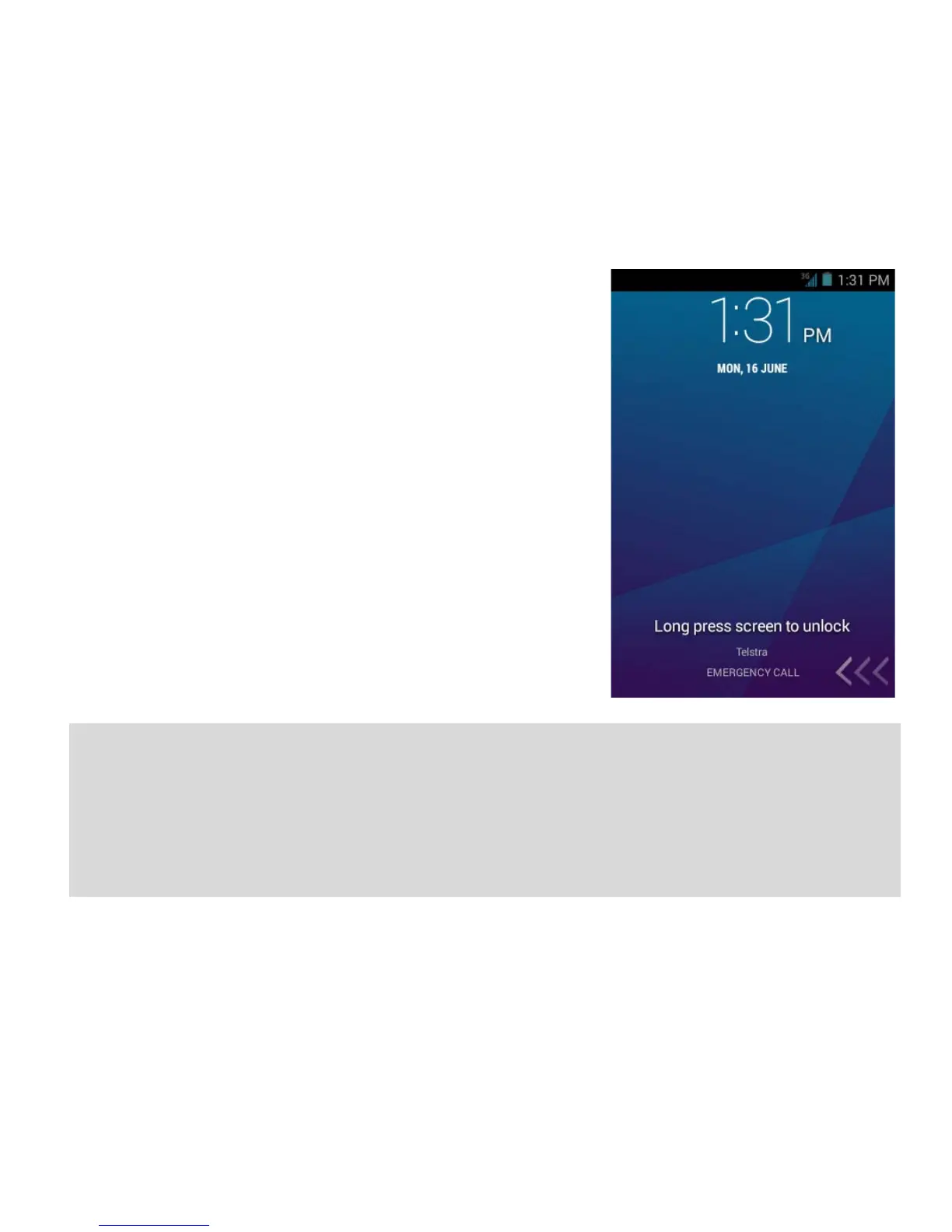
WAKE UP FROM SLEEP MODE
• Press the Power key to activate the display.
• Long press on the screen to unlock.
•
You can slide the bottom panel <<< to the
left to access the Camera, Phone, Email or
Contacts.
SWITCH YOUR HANDSET TO SLEEP MODE
Press the Power key to activate sleep mode.
Sleep Mode activates automatically with
the timeout set from Options > System
settings > Display > Sleep.
TIP
If you set an unlock pattern, PIN or password you need to enter it to
unlock the screen. If you forget your pattern or PIN use your Google
Account password to reset the phone. This will only work if you
register a Google account with this handset.



 To Next Page