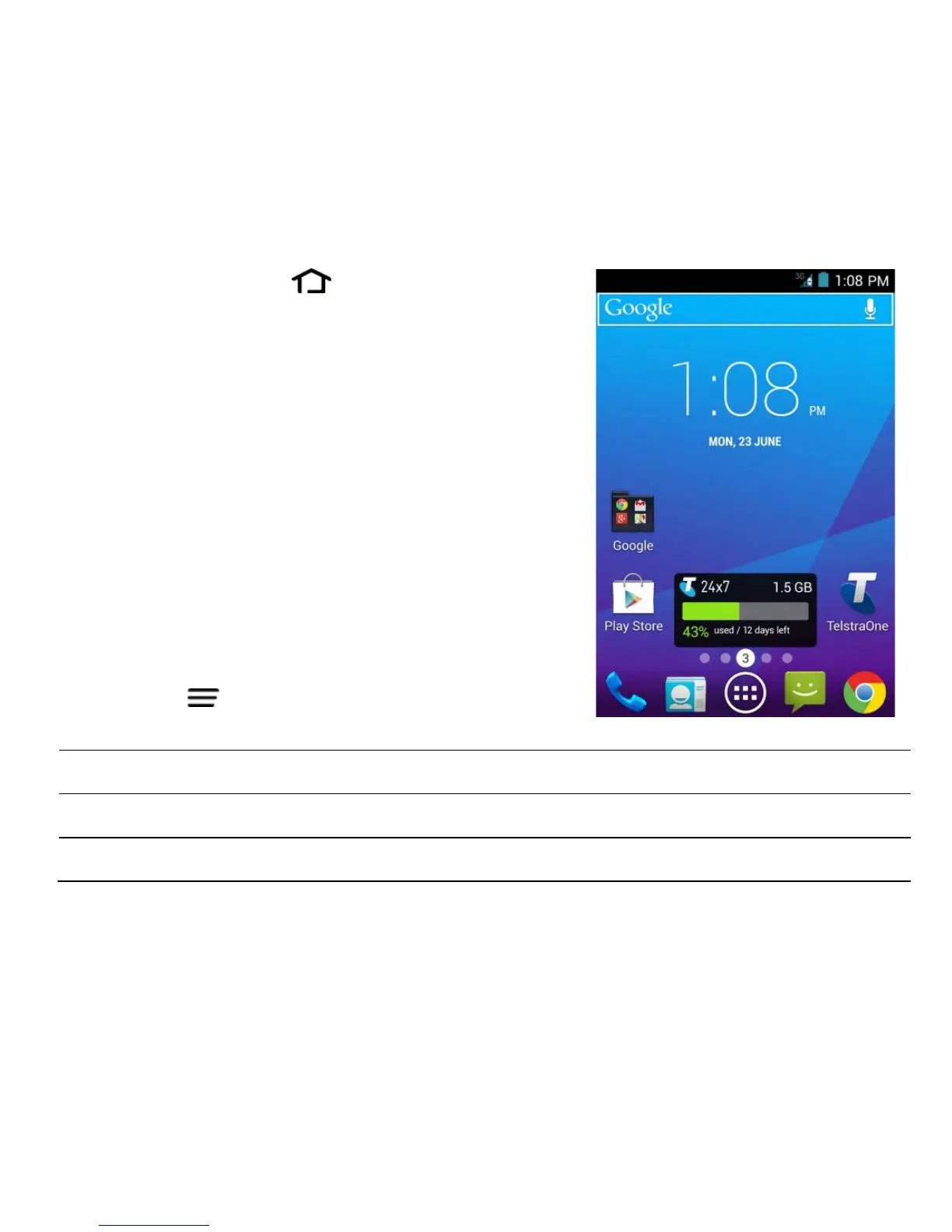
THE HOME SCREEN
Slide the Home Screen left or right to view
additional pages.
Long press on the screen to change your
wallpaper.
Tap the Google Search bar to search the web,
or touch the mic icon to speak your search.
OPTIONS
From the Home screen press Options Key for:
In other screens and apps press Options for extended menus
Wallpaper, set background image for the Homescreen or Lock screen



 To Next Page