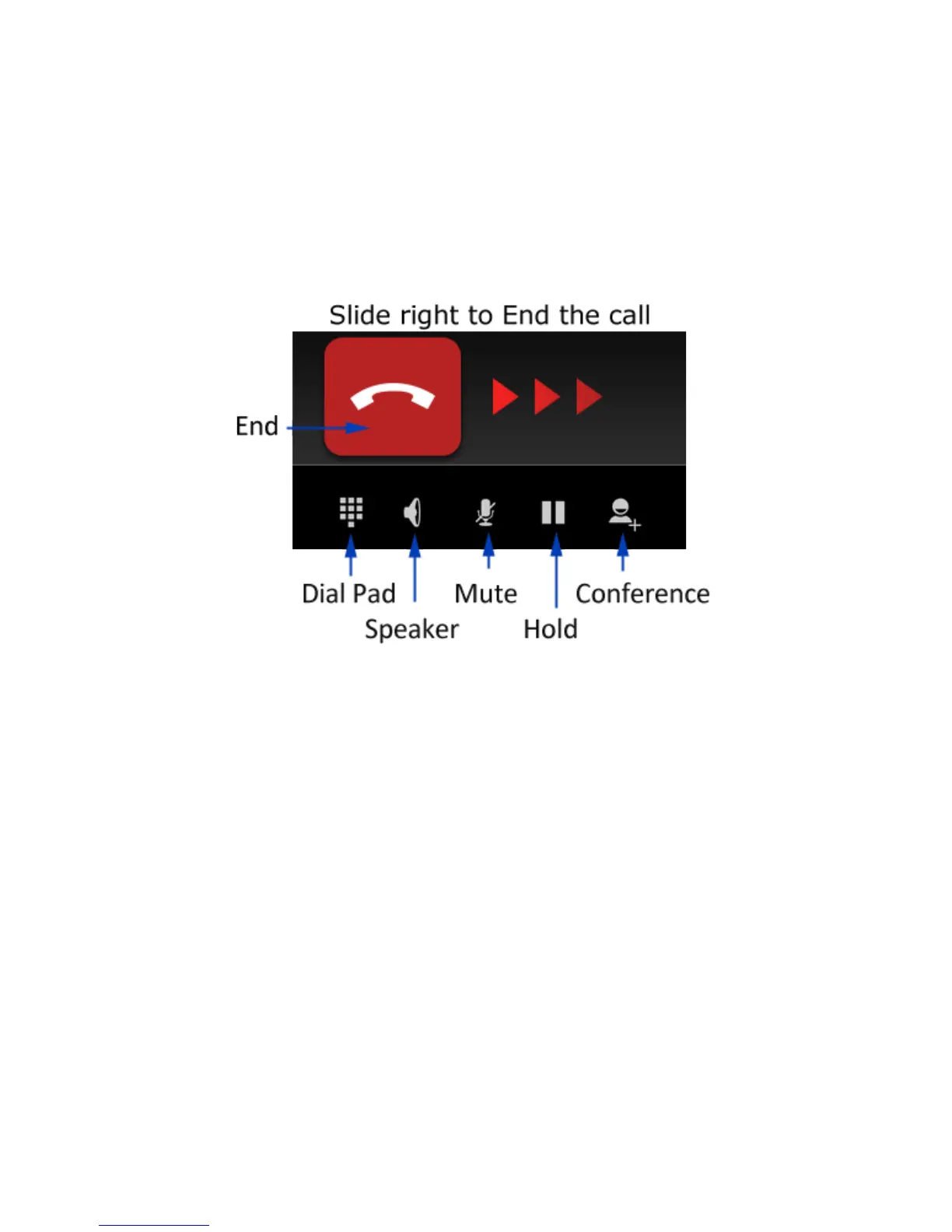
FUNCTIONS DURING A CALL, PRESS OPTIONS:
During a call press the power key briefly to light up the display, then
press Options. Use the buttons for the features described:
Dial Pad – enter DTMF tones
Speaker – Use Handsfree, Speaker mode
Mute – Mute the microphone
Hold – Place the caller on Hold
Conference – Dial in another party, the first call is put on hold.



 To Next Page