COMPOSING AN MMS
• Tap the messages icon > to write a new message.
• Enter the first letters of a contact to display matching names or tap
123 to enter numbers manually.
• Tap to see your Contacts list.
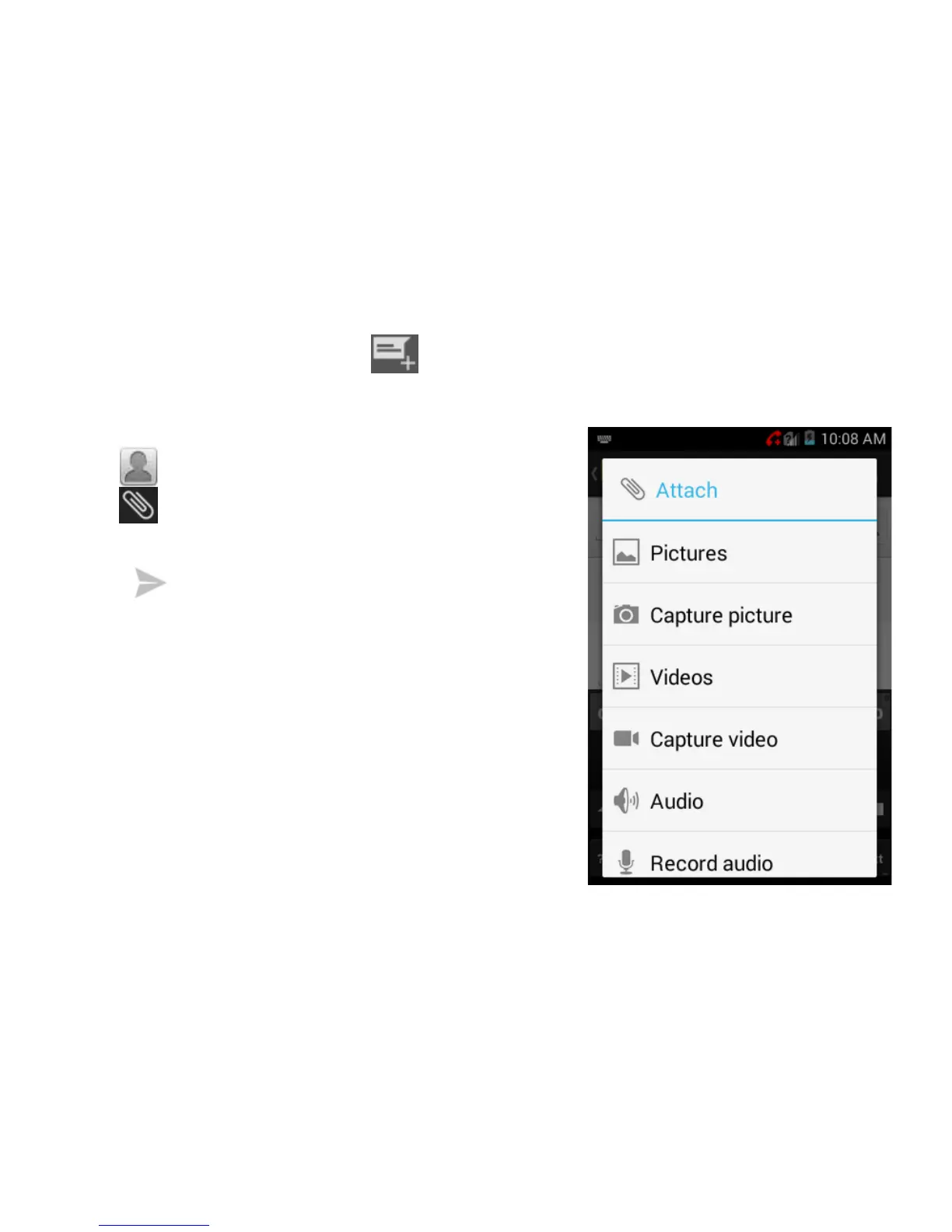
• Tap to add an attachment:
• Choose your attachment type
• Tap to send when done.
Adding or removing the Subject or
Attachments will convert the message
from SMS to MMS and vice-versa.
Tap Options > Add subject to enter the
subject if required.



 To Next Page