COMPOSE AN EMAIL
• Tap Apps > Email > Options > to write a new message
• Tap the To field and enter the recipient’s address. Tap Options > Add
Cc/Bc to add more recipients if required.
• When you enter the address, the matching addresses saved in your
Contacts will be displayed. You can tap the recipient from the list.
• Enter the subject and the content of your Email.
• Tap Send.
REPLY, REPLY TO ALL, FORWARD AN EMAIL
• Tap Apps > Email to see your Inbox.
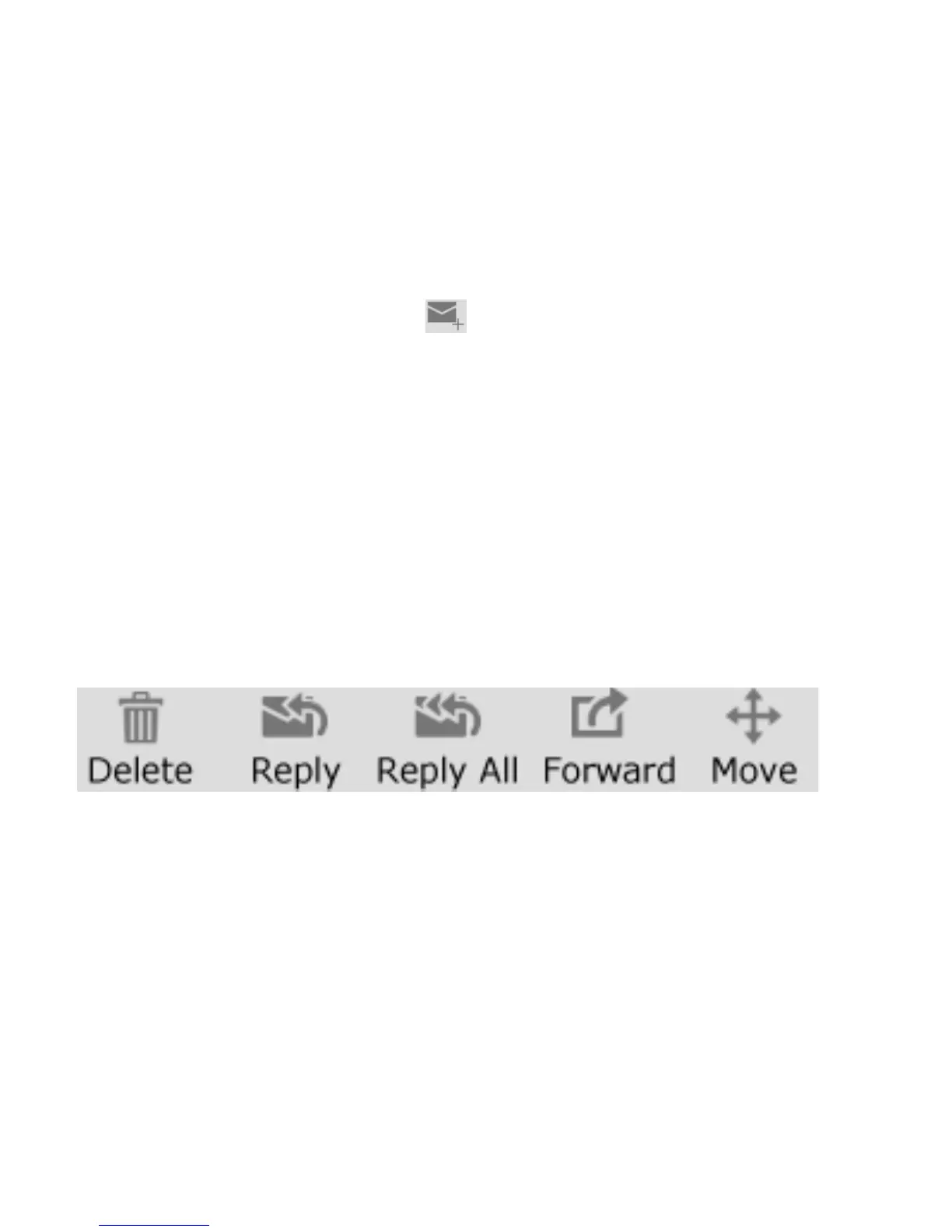
• Touch the email to read it and respond, forward, delete or move:
EMAIL SETTINGS
Tap Apps > Email > Options > Settings > Touch the account to review
your settings



 To Next Page