11
The LCD screen will cycle display:
“Network checking” for ~30 seconds;
“Configuration updating” for ~1 minute;
“Welcome... Initialising... Please wait” for ~1 minute;
“Network checking...” for ~5 seconds.
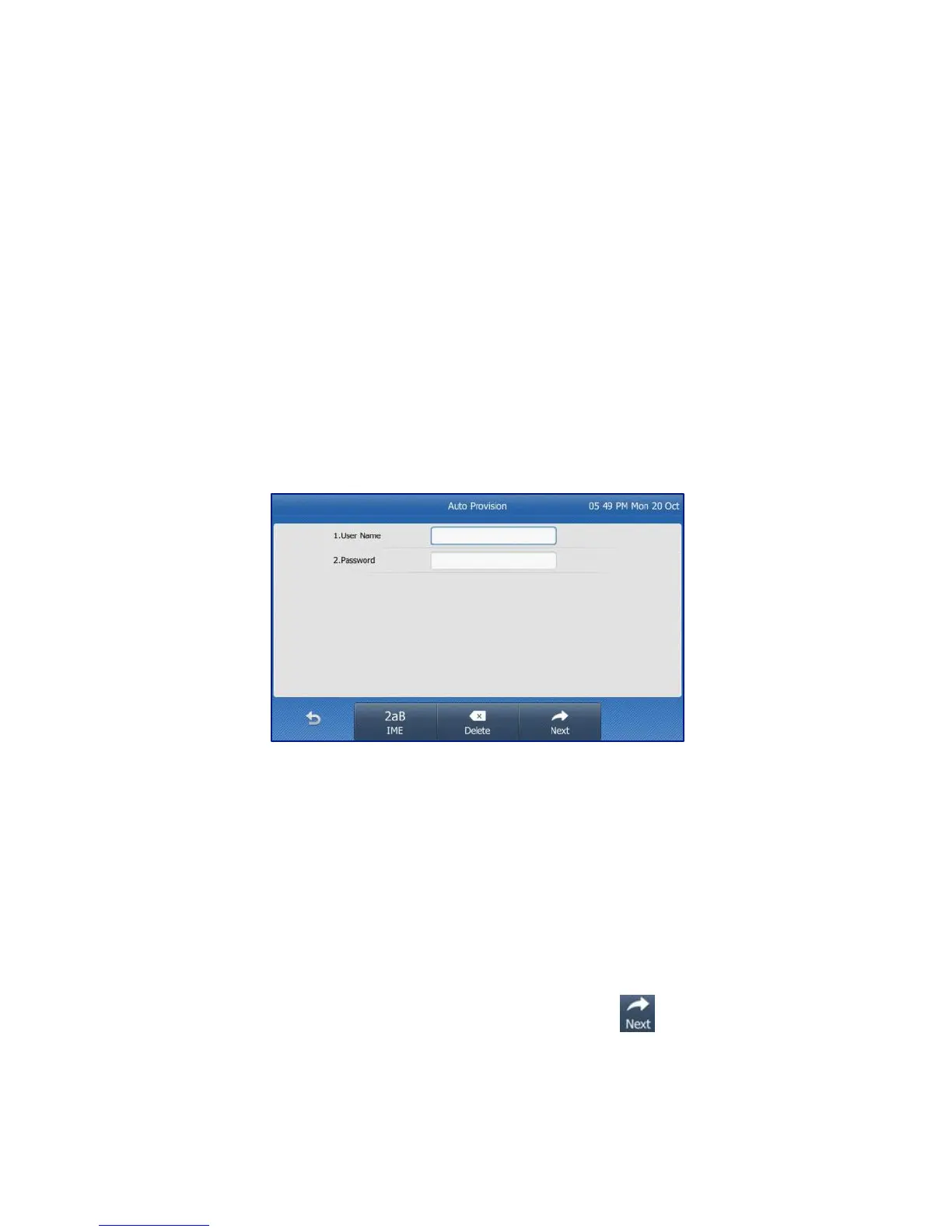
Fig 6
You will be prompted for your admin details (Fig 6) – please
ensure you follow the next steps correctly.
o Refer to the Configuration Summary that was sent to
your DOT registration email.
o Refer to section “Device type: T48G” for your User ID
and Password.
Enter your User Name and Password select to complete
the set up.



 To Next Page