17
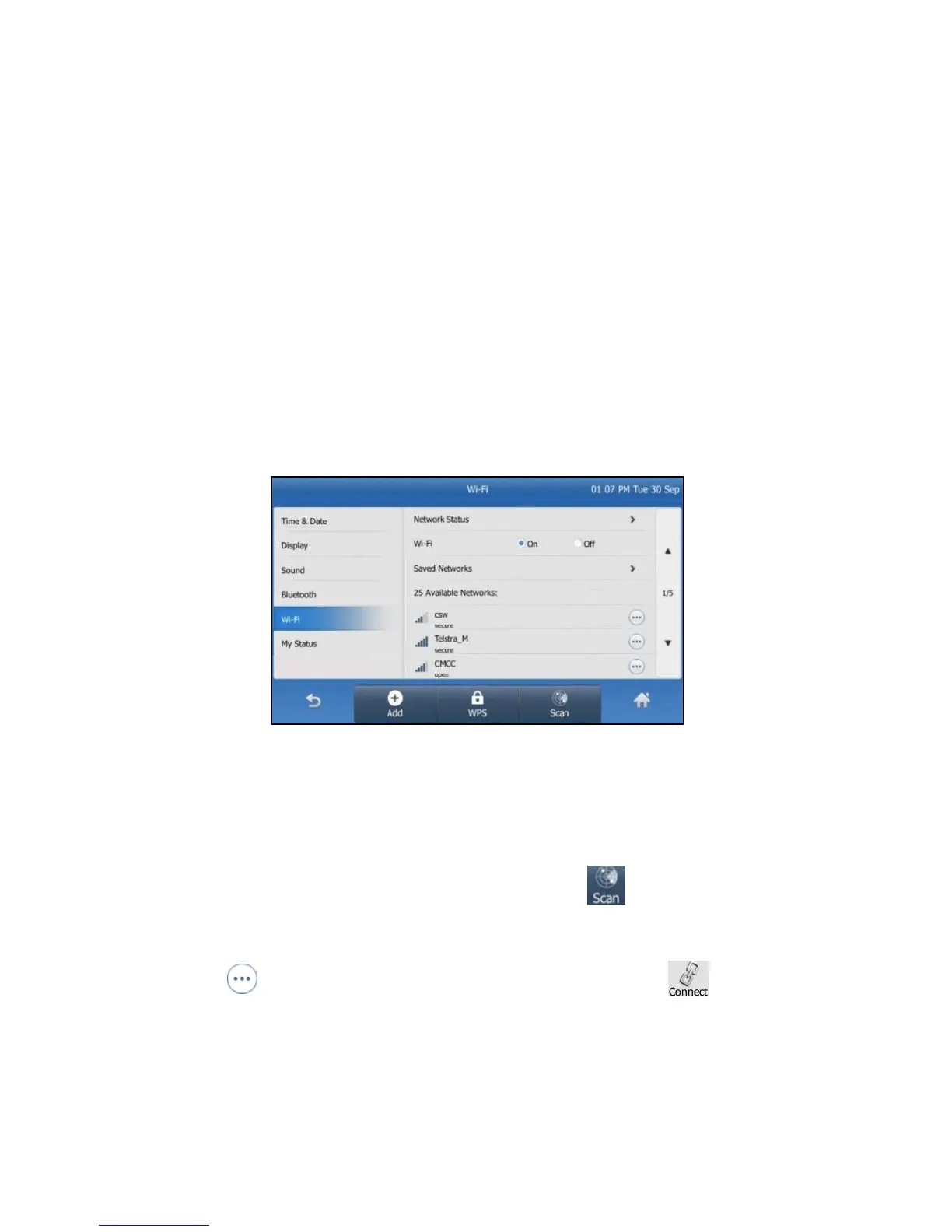
Fig 11
The IP phone will toggle the Wi-Fi on and search for available
wireless networks in your area (Fig 11).
Optional – Refresh search:
To search again for available networks, tap .
To connect to the desired wireless network (SSID):
Select the wireless network (SSID); or
Tap at the end of the desired SSID, and then tap .
For secure networks, please enter the password in the Wi-Fi
Password field.
Select “OK”.



 To Next Page