21
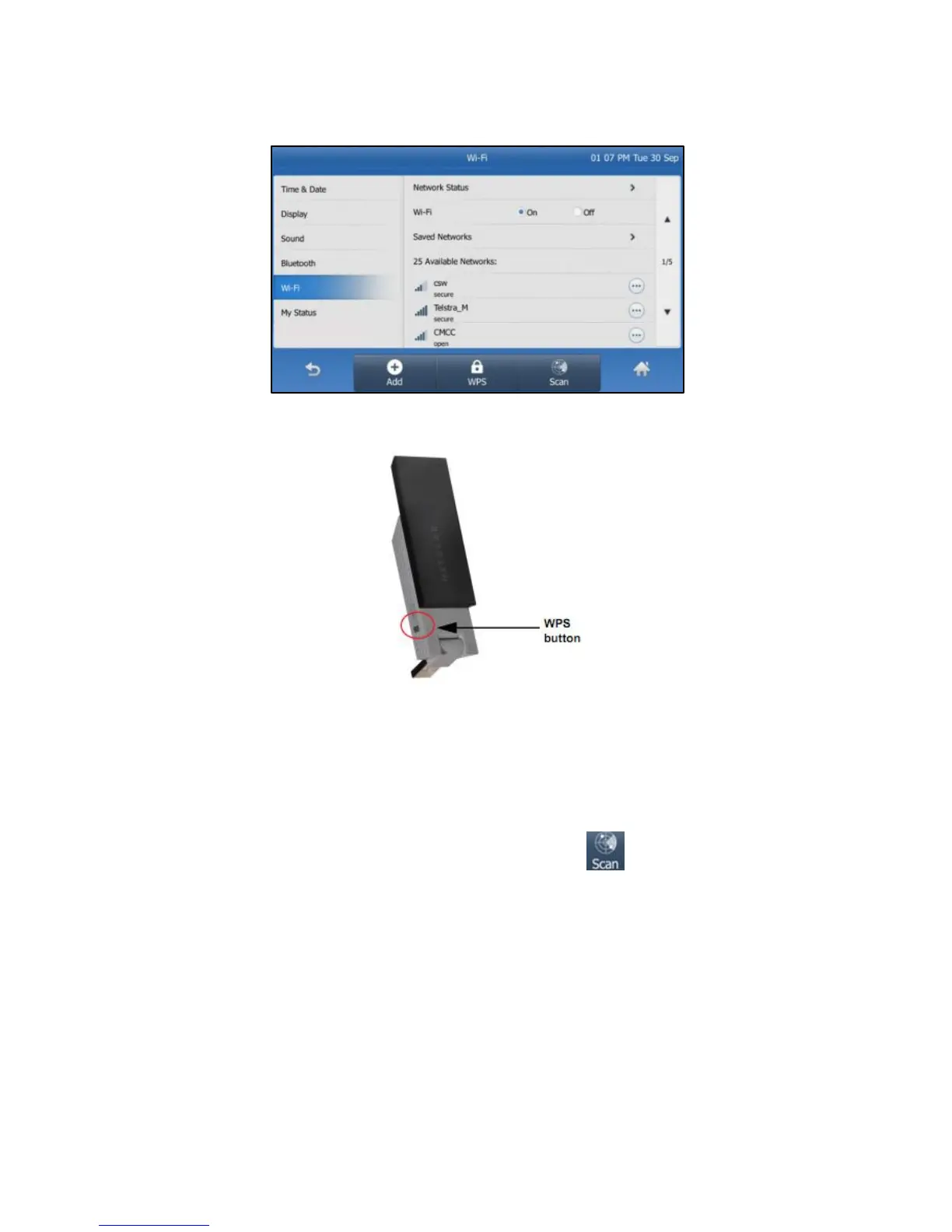
Fig 14
Fig 15
The IP phone will toggle the Wi-Fi on and search for available
wireless networks in your area (Fig 14).
Optional – Refresh search:
To search again for available networks, tap .
Whilst the phone is scanning for available networks, long press
the WPS button on the Wi-Fi USB dongle. (Fig 15)
You will be prompted: “WPS activated. Connecting…120s”.
Long press the WPS button on your gateway/router.
Once WPS setup has completed successfully, the SSID will now
display the status: “Connected”.



 To Next Page