29
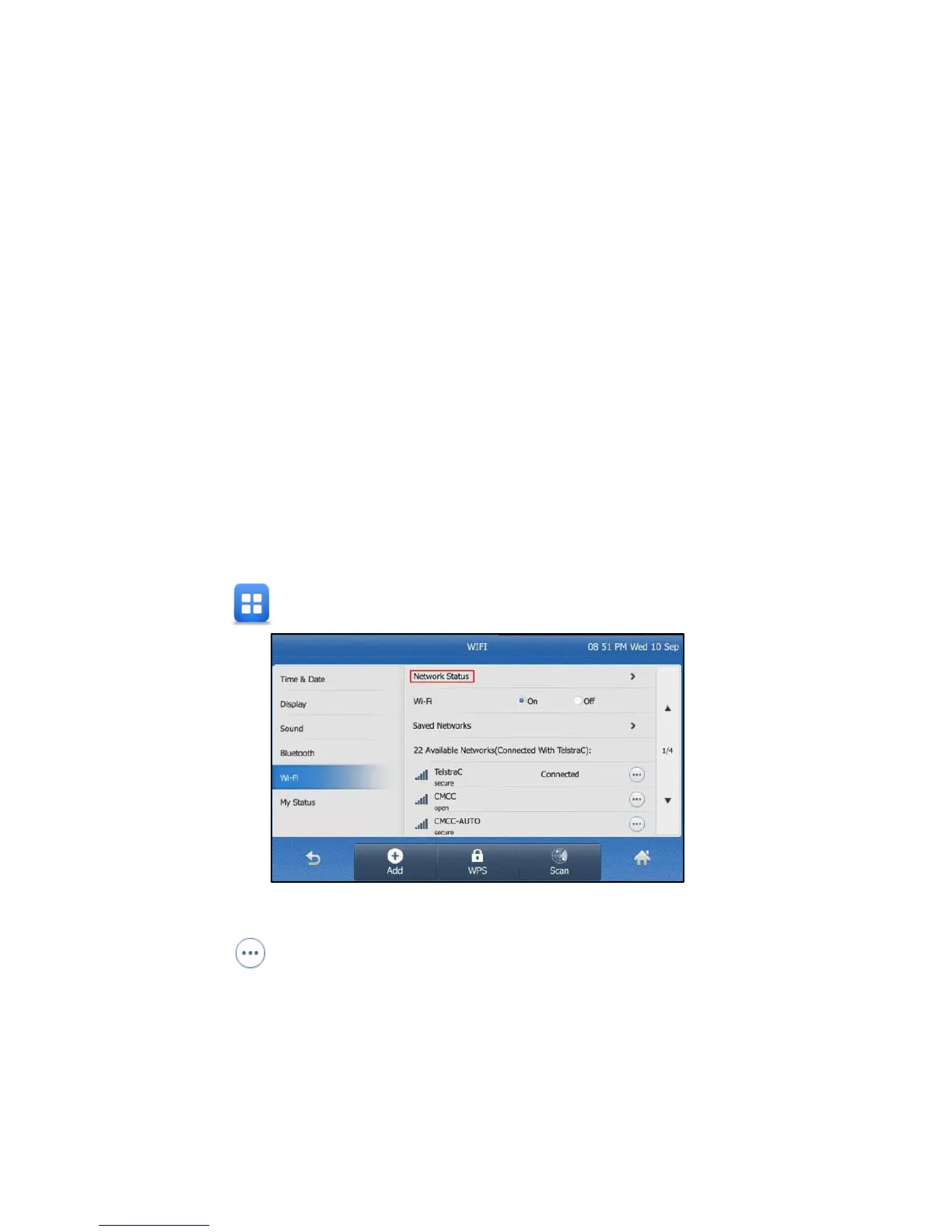
3. Viewing the Wireless Network (Wi-Fi) information
To view the WLAN information:
Tap > Basic > Wi-Fi.
Fig 22
Tap at the end of the desired SSID to view the detailed
WLAN information.
If the IP phone has been connected to a wireless network
successfully, you can also tap Network Status to view the
connected WLAN information.



 To Next Page