32
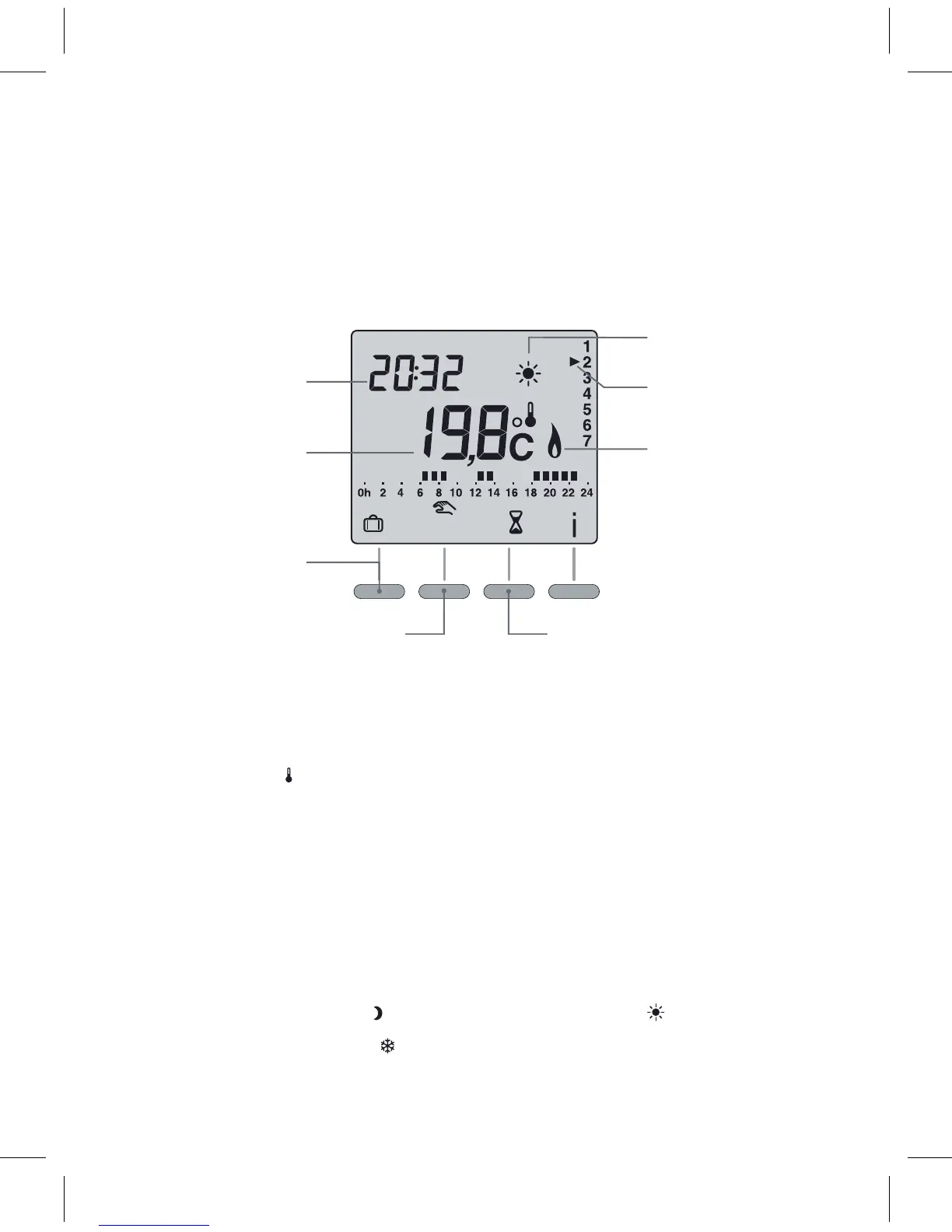
Automac mode
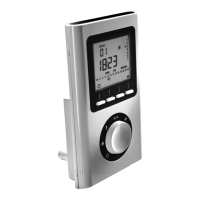
Turn the knob to AUTO.
Time
Measured
temperature
Absence mode
Comfort or economy
manual mode
(up to program change)
Current seng
(e.g. comfort)
Day
Heang demand
mode
Forced operaon
(from 30 minutes to 4 hours)
Whenstarngup,thetemperaturemeasuredbythethermostatis
displayed (the
symbolappearsabovethe° C).
Pressthebuon
i to display the set-point temperature.
•Thetemperaturedisplaycanbereversed(CF02startupmenu):
–automacmode:set-pointtemperature,
– press
i: measured temperature.
•Ifyoudonotwanttouseaprogram,youcangotoconnuousEconomy
mode (knob turned to
),connuousComfortmode( )orconnuous
FrostProteconmode(
).
Page 11
12


 To Next Page