Download the Terraillon Wellness Coach - Health application.
Create your account by following the instructions on the application.
Note: If you already have an account on Wellness Coach - Health or
Wellness Coach – Sleep app, please login with your login details. In that
case, refer to the section “HOW TO FILL IN MY NUTRITION DIARY?“.
When account creation is over, the application asks you which connected
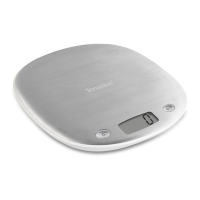
product Terraillon you want to use: tap “Yes”, then “Nutritional kitchen
scale”.
Note: NUTRITAB does not need a Bluetooth pairing process with your
Smartphone. You will be able to use it directly by following the next
installation steps.
Make sure the Bluetooth feature is enabled on your smartphone.
In the Wellness Coach-Health app, tap the “ADD FOOD” tab.
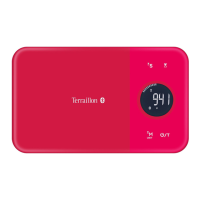
Insert the batteries (3xAAA) into NUTRITAB.
Place NUTRITAB on a hard, at surface.
Press the NUTRITAB ON / OFF button: a Bluetooth logo appears on the
NUTRITAB screen if the connection is established.
Your NUTRITAB is automatically connected to your Wellness Coach - Health
app and is ready to use.
FIRST USE
A
B
C
D
E
F
G
H
I
EN
5


 To Next Page