Download your sleep data
The Dot will turn on (the green LED will ash) 30 minutes before and 30 minutes after
the end time of the analysis period to facilitate the download of your data� Check
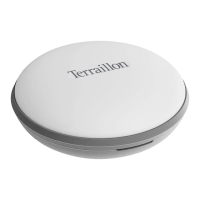
that your smartphone’s Bluetooth is turned on then open Wellness Coach - Sleep:
when you are on the home screen, the dot image is surrounded by a green circle�
Slide the screen down to download your data: the green LED of your Dot freezes
to conrm the download.
Outside this period, it is necessary to manually activate the Dot to download its
data. In this case, tap your Dot two or three times: the green LED ashes. Then
repeat the steps above�
The Dot only can store data for latest 7 days.
4
Status Display
Power On Green LED blinking
Connected to smartphone
Green LED On,
will turn off once successfully connected
Low Battery Red LED blinking
8


 To Next Page