7
1. Remove all packaging stickers and labels from the air fryer, including the tape securing the basket
to the unit.
2. To pull out the basket for cleaning, remove the tape securing it into place. Secure the unit with one hand and pull the
handle straight back with the other hand.
3. Thoroughly clean the basket and crisper tray with hot water, dishwashing liquid, and a non-abrasive sponge.
4. Wipe the inside chamber and outside of the air fryer with a moist cloth.
During the first few uses, there might be a “hot plastic” smell. This is perfectly normal in new air fryers as the material is
heated for the first time. It will go away after the first few uses.
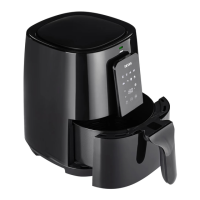
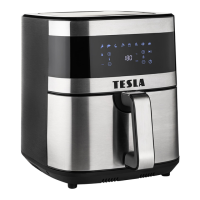
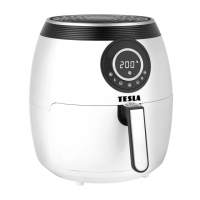
1. Place the air fryer on a stable, level and heat-resistant surface.
2. Place the crisper tray into the basket and slide it into the air fryer.
3. Plug the air fryer into an outlet.
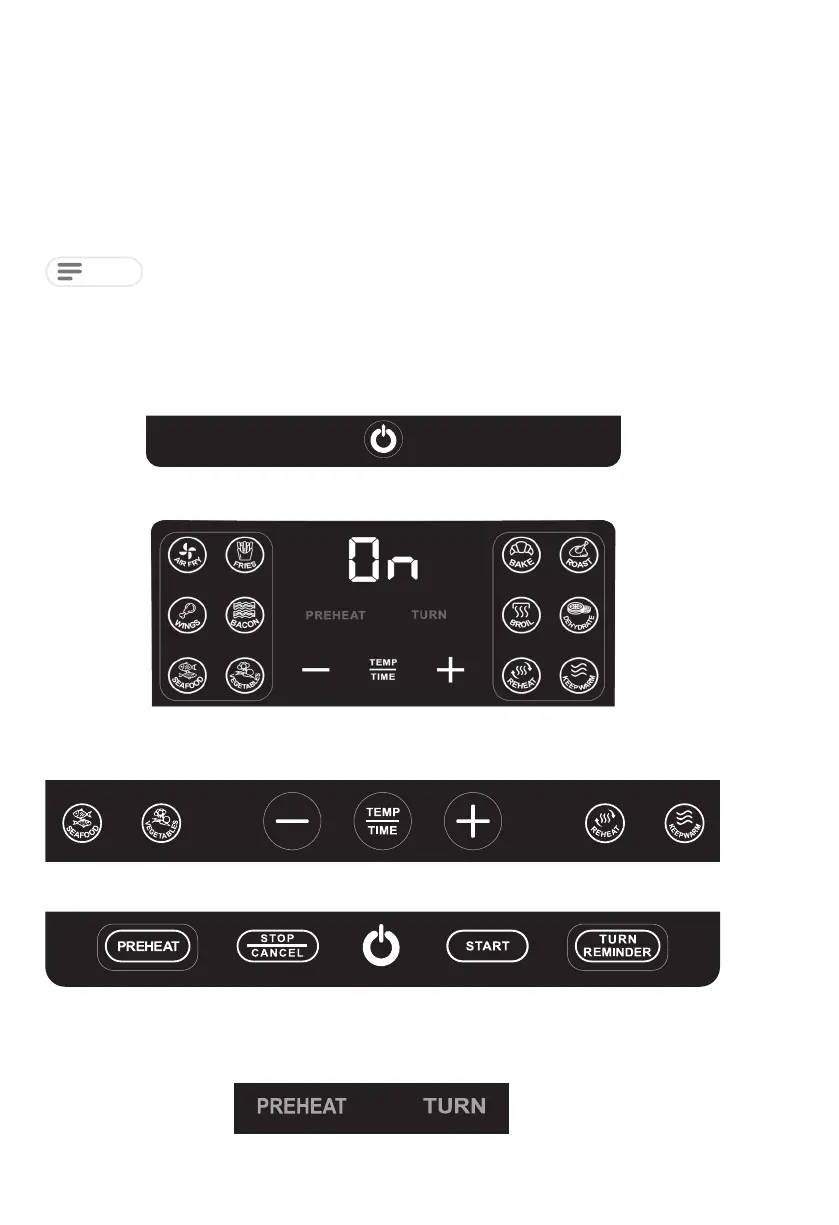
4. Tap the power icon to turn the air fryer on.
5. Tap the desired preset.
The display will show the preset temperature and time.
USING YOUR AIR FRYER
Before first use
6. Tap TEMP / TIME to adjust temperature / time. Tap + and - icons to increase and decrease temperature.
7. Tap PREHEAT/TURN REMINDER to enable or disable these settings.
Preheat and turn reminder are on by default for recommended presets.
PREHEAT / TURN appear in red on the display when enabled.
NOTE



 To Next Page