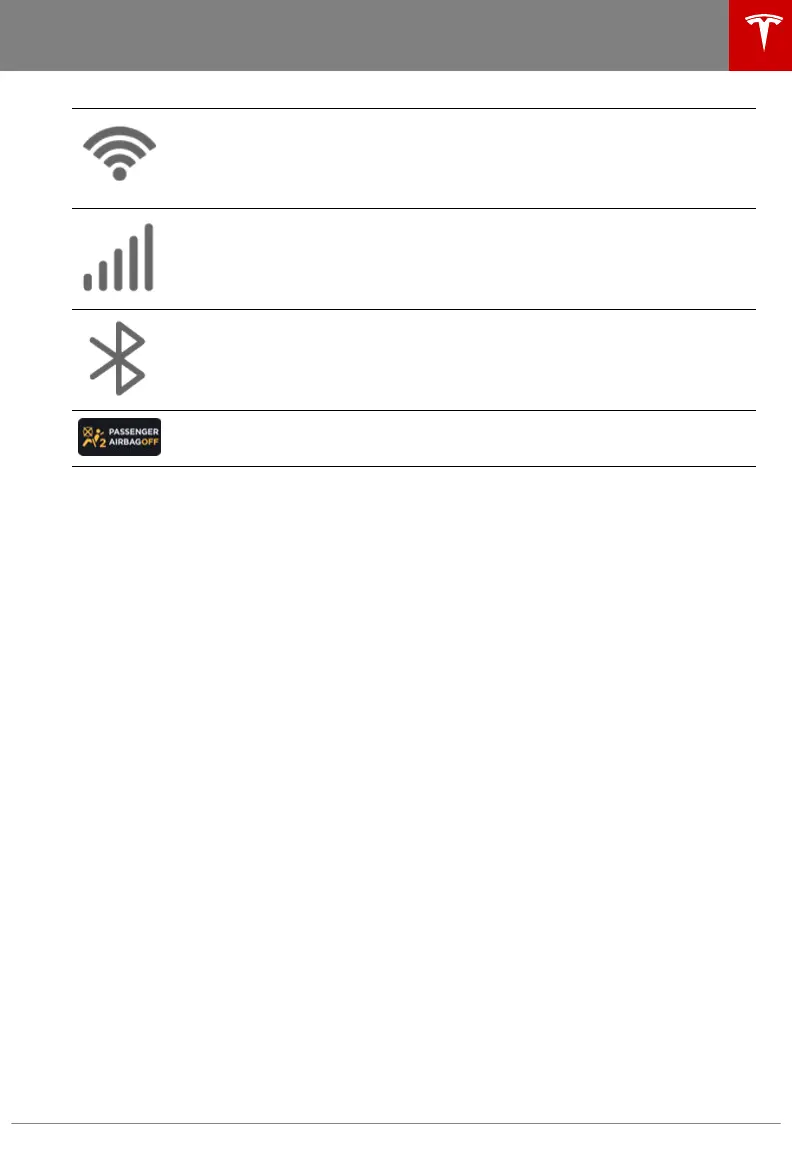
Connected to a Wi-Fi network.
Connected to cellular network. Touch to connect to Wi-Fi (see Connecting to Wi-Fi
on page 156).
Connect to a Bluetooth device (see Pairing a Bluetooth Phone on page 143).
Displays the status of the front passenger airbag (applicable only in regions where
the airbag can be disabled, as described in Airbags on page 37).
2. Controls. Touch to control features and customize Model S to suit your preferences (see
Controls on page 118).
3. Media Player (see Media and Audio on page 140).
Touchscreen Overview
Overview 7
















 To Next Page