Quick Controls Quick Controls displays by default to provide quick access to commonly-
used features. For many of these features, more options are available on
the feature-specific tabs below Quick Controls.
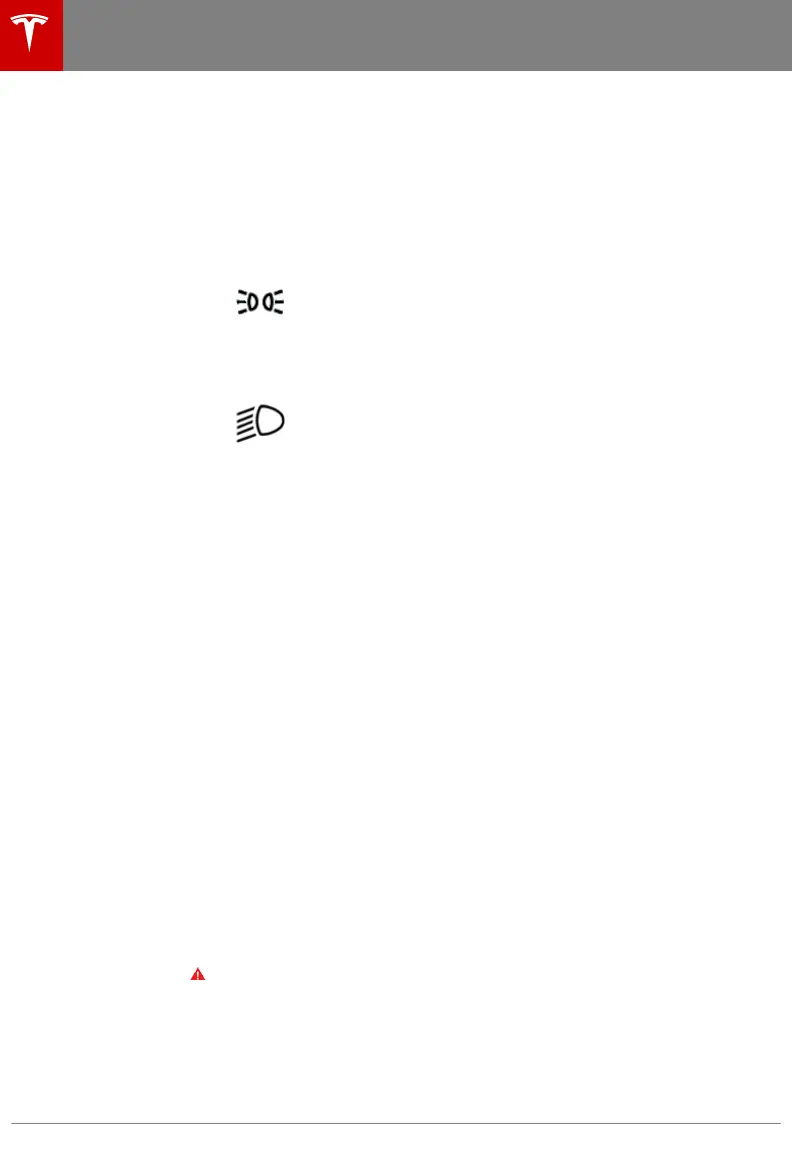
• Exterior lights
OFF Exterior lights will be o until you manually
turn them back on. The exterior lights are set
to AUTO by default at the start of every drive.
The exterior side marker lights, parking lights,
tail lights, and license plates lights turn on.
ON Exterior lights are on.
Exterior lights automatically turn on if Model X
detects low lighting conditions.
Note: For more information on exterior lights, see Lights on page 64.
• Front Fog: If equipped (only available in certain regions).
• Rear Fog: If equipped (only available in certain regions).
• Mirror Fold: Fold or unfold side mirrors.
• Front and Rear Trunk: Touch the buttons next to the front or rear trunk
to open.
• Open Doors: Touch the icons associated with each door to open. For
falcon wing doors, you can set the height at which you would like it to
open.
• Display Brightness: Adjust the brightness of the display.
Seats
• Adjust the seats: Adjust the second row seats by using the forward and
backward buttons.
• Easy Entry: When enabled, you can move a second row seat all the way
forward or backward by touching the forward/backward button once.
When o, you must hold the button to move the second row seats fully
forward/backward (see Accessing Third Row Seats (if equipped) -
Monopost Seating on page 26).
Suspension (if
equipped)
• Ride Height: Adjust the ride height, ranging from Low to Very High.
• Jack: Disables self-leveling of the air suspension.
• Suspension Lowering: Selecting NEVER maintains the standard height
whereas AUTO adjusts the height based on road type (see Air
Suspension on page 151).
Note: Model X must be powered on and you must press the brake pedal
before you can change suspension settings.
Warning: The air suspension system causes Model X to self-level, even
when powered o. Therefore, when transporting or lifting, you must
engage Jack Mode to disable self-leveling (see Instructions for
Transporters on page 205 and Jacking and Lifting on page 188).
Controls
126 Model X Owner's Manual















 To Next Page