6
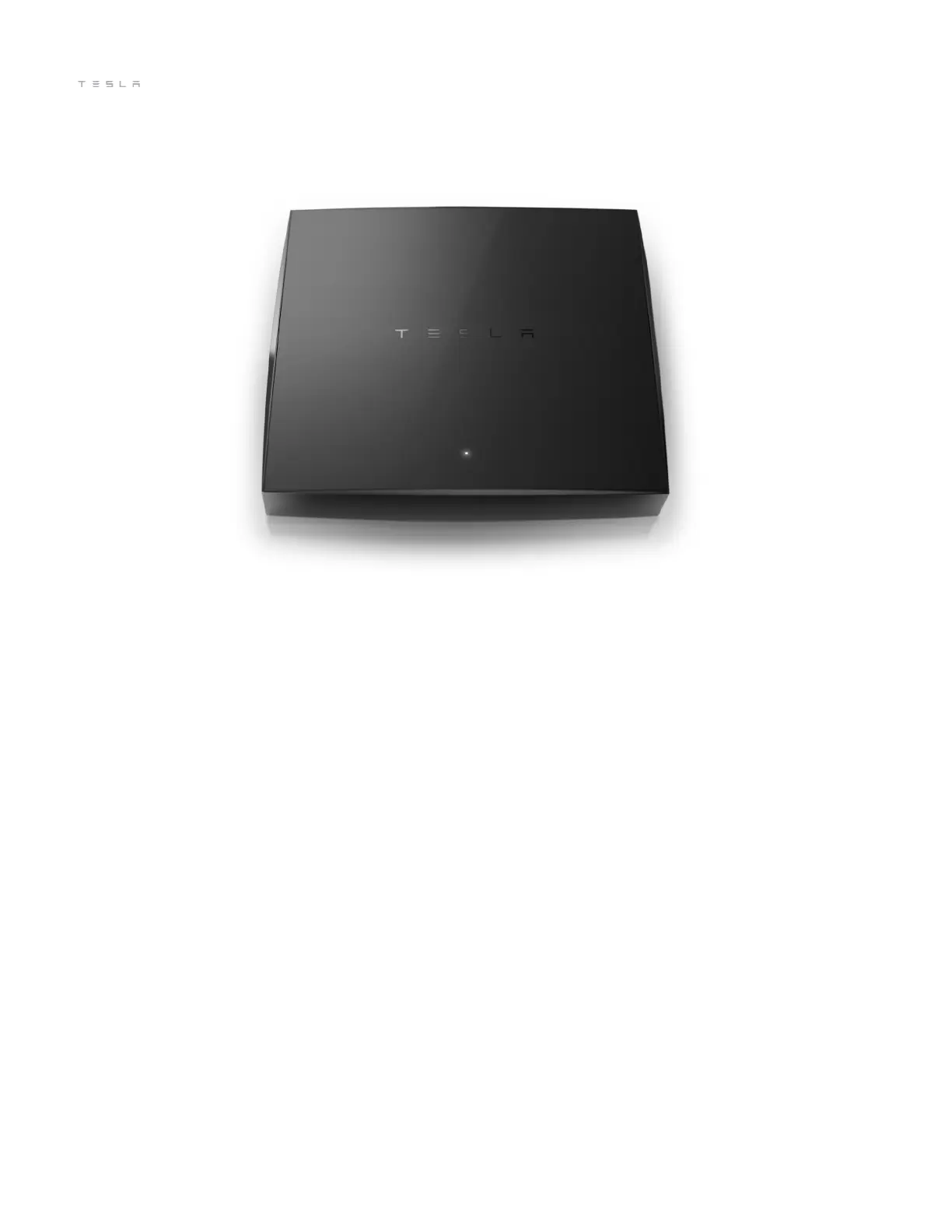
Connecting to Your Solar Gateway
For homes without Powerwall, connect the Solar Gateway to monitor energy production from your Solar Roof.
1. Download the Tesla mobile app on your smartphone.
2. Log into the Tesla mobile app.
3. Connect the Solar Gateway to your router.
Use the included Ethernet cable to connect the Solar Gateway to your router.
4. Turn on the Solar Gateway.
Plug your Solar Gateway into a power strip near your router using the included power supply. The power
light on top will glow white.
5. Watch for a signal.
The Solar Gateway should be connected. If you see a WEAK SIGNAL notication, move the Solar Gateway
closer to the inverter until the notication disappears. For any other error messages, please contact
Tesla Customer Care.
6. Use the Tesla mobile app to monitor energy production in real time.
If you have trouble setting up or troubleshooting your Solar Gateway, please contact Tesla Customer Care.



 To Next Page