5
3. REGISTRATION PROCESS
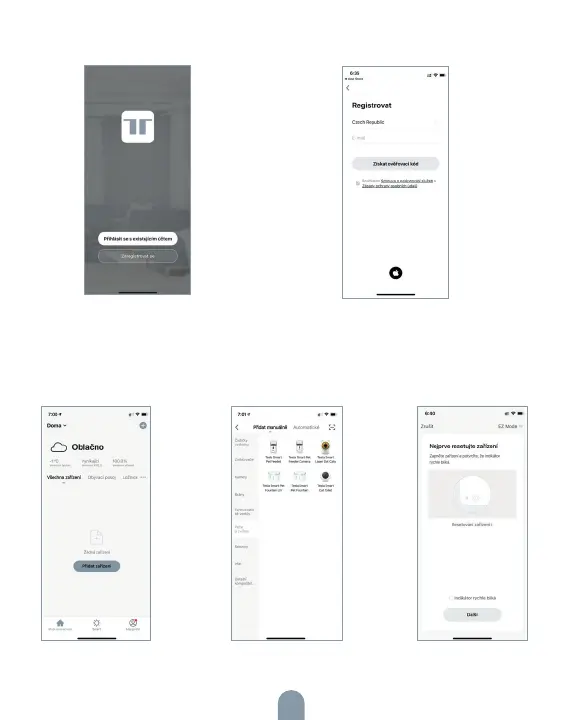
Step 1: Open the Tesla Smart App,
click „Register“, read the „Privacy
Policy“ and click „Agree“ .
Step 2: Input a legal and valid Mobile
number or Email address and click
„Continue“. Input Verification Code,
then log in the app.
4. SET UP SMART PET FOUNTAIN
Open the app, click on symbol „+“ and with the help of the guide, set
the device.



 To Next Page